
Automatically detect faces, then edit every mask before export
VideoMasker detects and tracks faces automatically, then lets you review and fine-tune masks on a frame-level timeline. Your video stays on your device and is processed entirely in the browser.
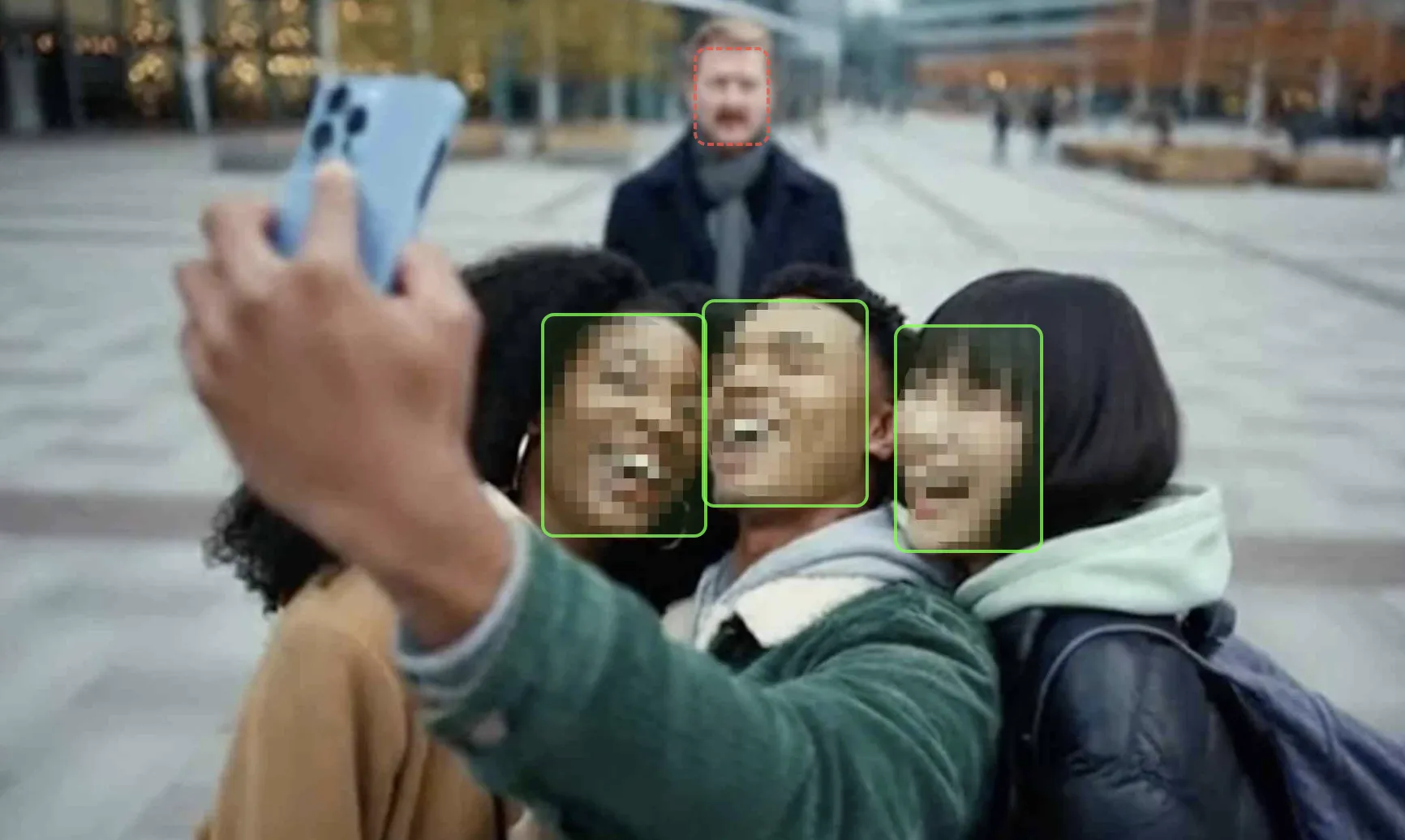
Video Privacy is More Important Than Ever
With the increase of surveillance cameras, drones, and smartphone recordings, privacy concerns are growing. GDPR, PIPA, and other regulations require face anonymization before sharing video content. Manual processing is time-consuming and expensive.
You Could Unintentionally Become Liable
Deepfake incidents are surging with AI advancement. Did you know that faces in your videos could be misused?
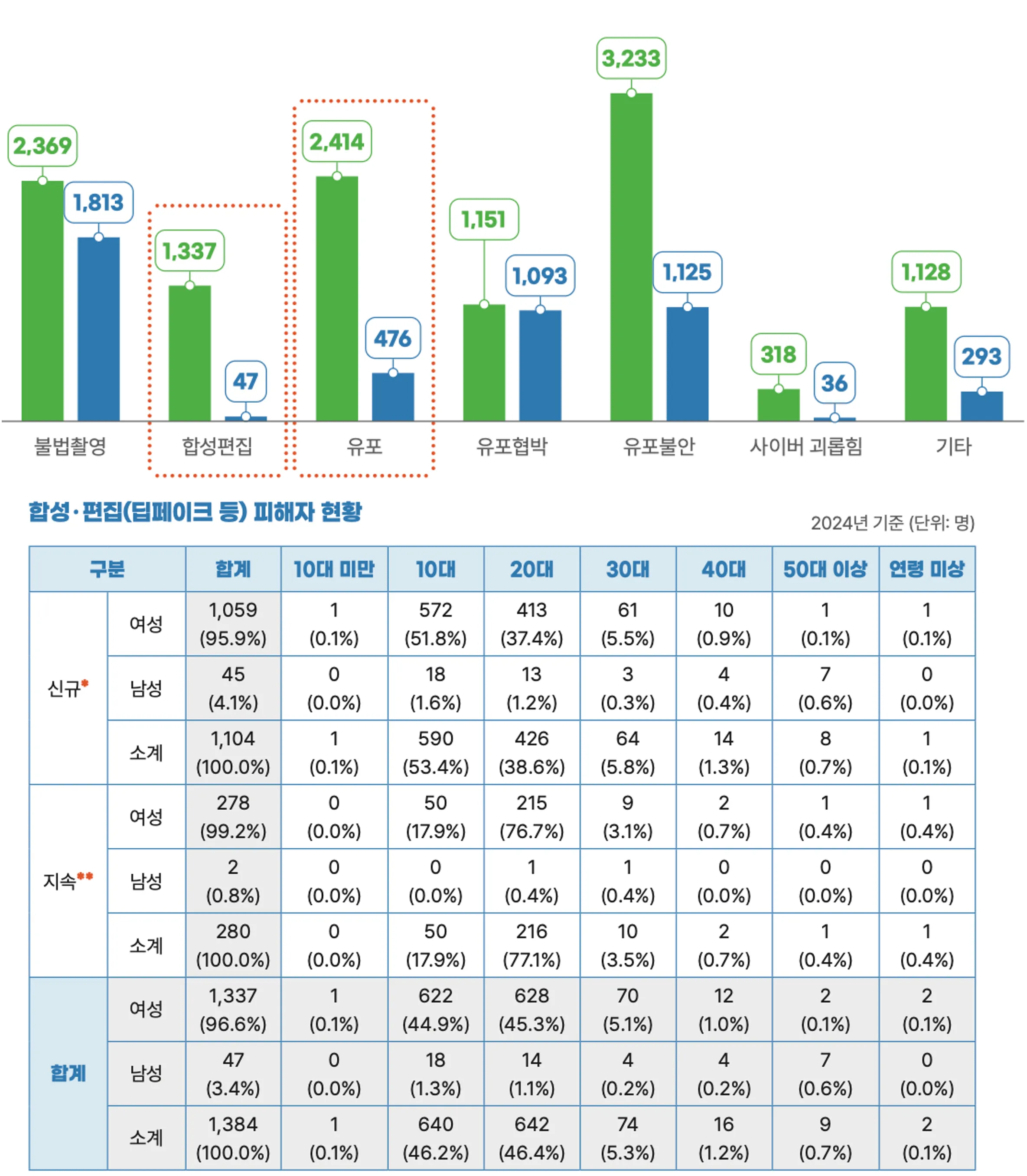 Deepfake victimization statistics
 YouTuber case
Such harm can be caused unintentionally by content creators.
One creator faced legal liability after an unblurred face in their video was used to create deepfake content, causing harm to that individual.
Being held responsible simply because you didn't blur someone's face is happening in reality.
Videos are proliferating, but the people appearing in them are increasingly exposed.
When automation is not enough, you can fix it yourself
AI applies the first pass. If a face is missed, a box is misplaced, or a false positive appears, the Edit step lets you move, resize, delete, or add masks before creating the final video.
Why choose VideoMasker?
Five reasons that set us apart
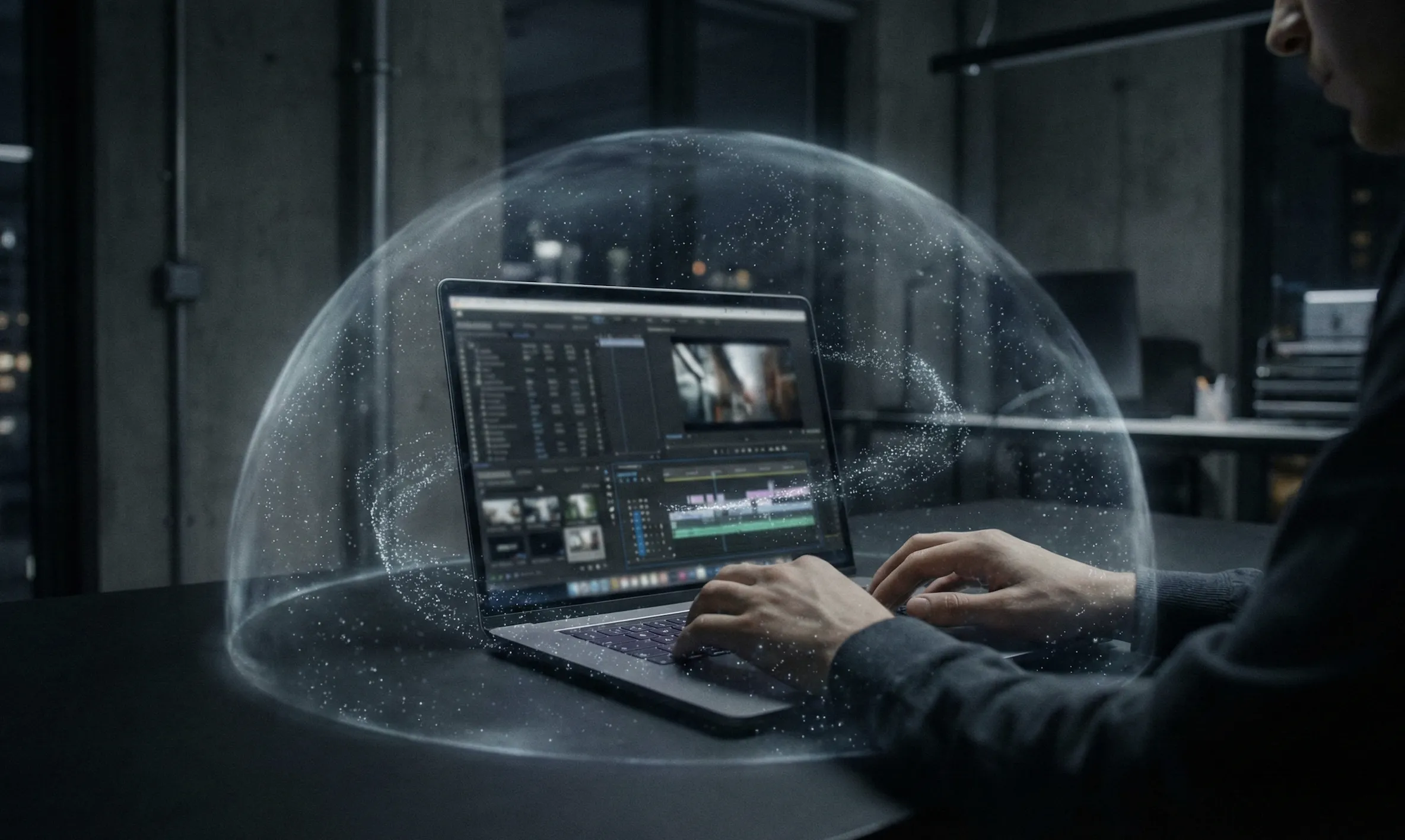
Your video never leaves your device
Unlike cloud-based services, everything runs in your browser. It's physically impossible for your video to be sent to any server.
How it works
Our proprietary AI engine runs directly inside the browser. The architecture is designed so that no network communication occurs at all.
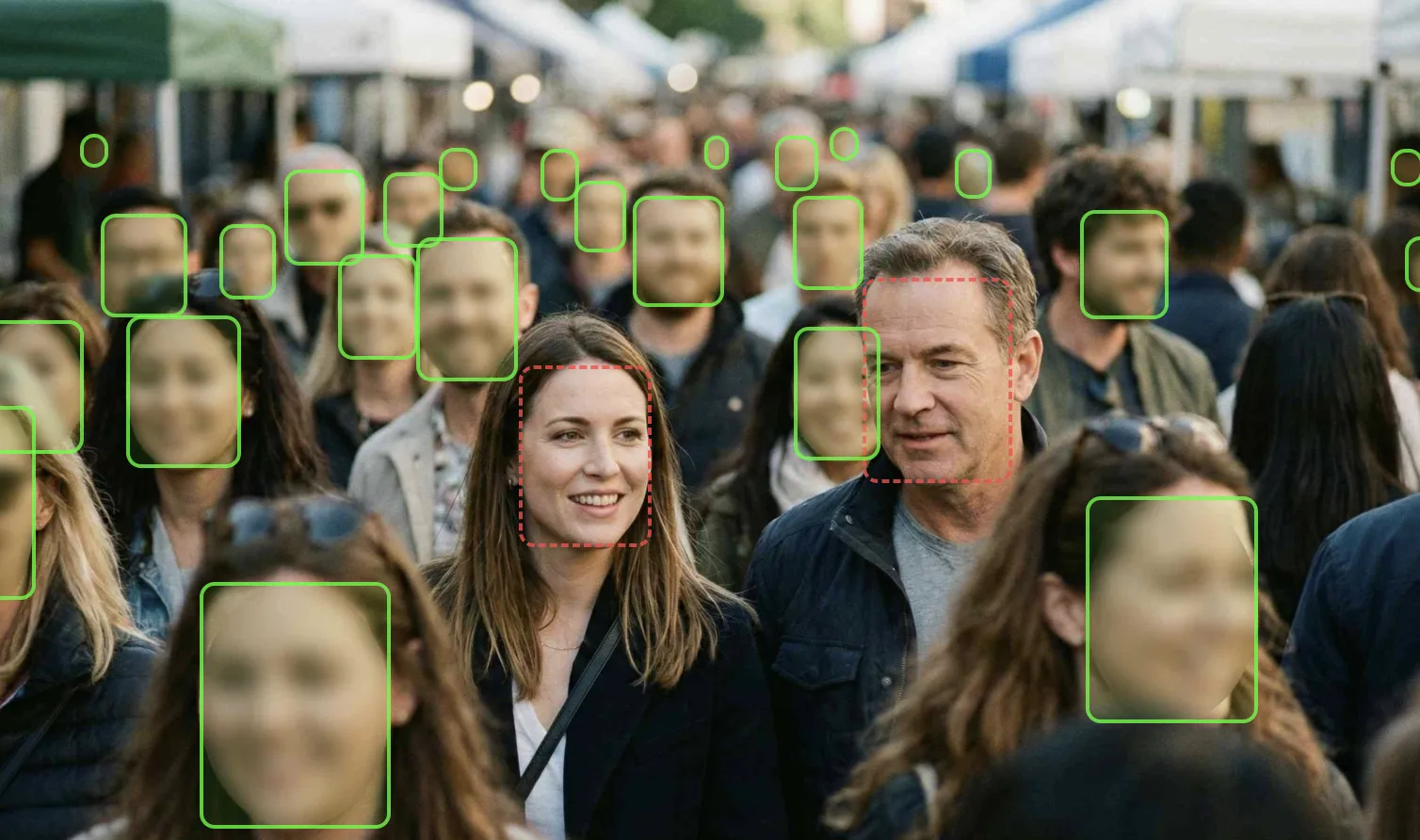
One click and AI handles everything
No need to manually add mosaic frame by frame. AI scans your entire video, finds every face, and tracks them automatically — even moving faces, even crowds.
How it works
Our proprietary AI model detects faces at various angles and sizes in real-time, with a custom tracking algorithm that automatically matches the same person across frames.
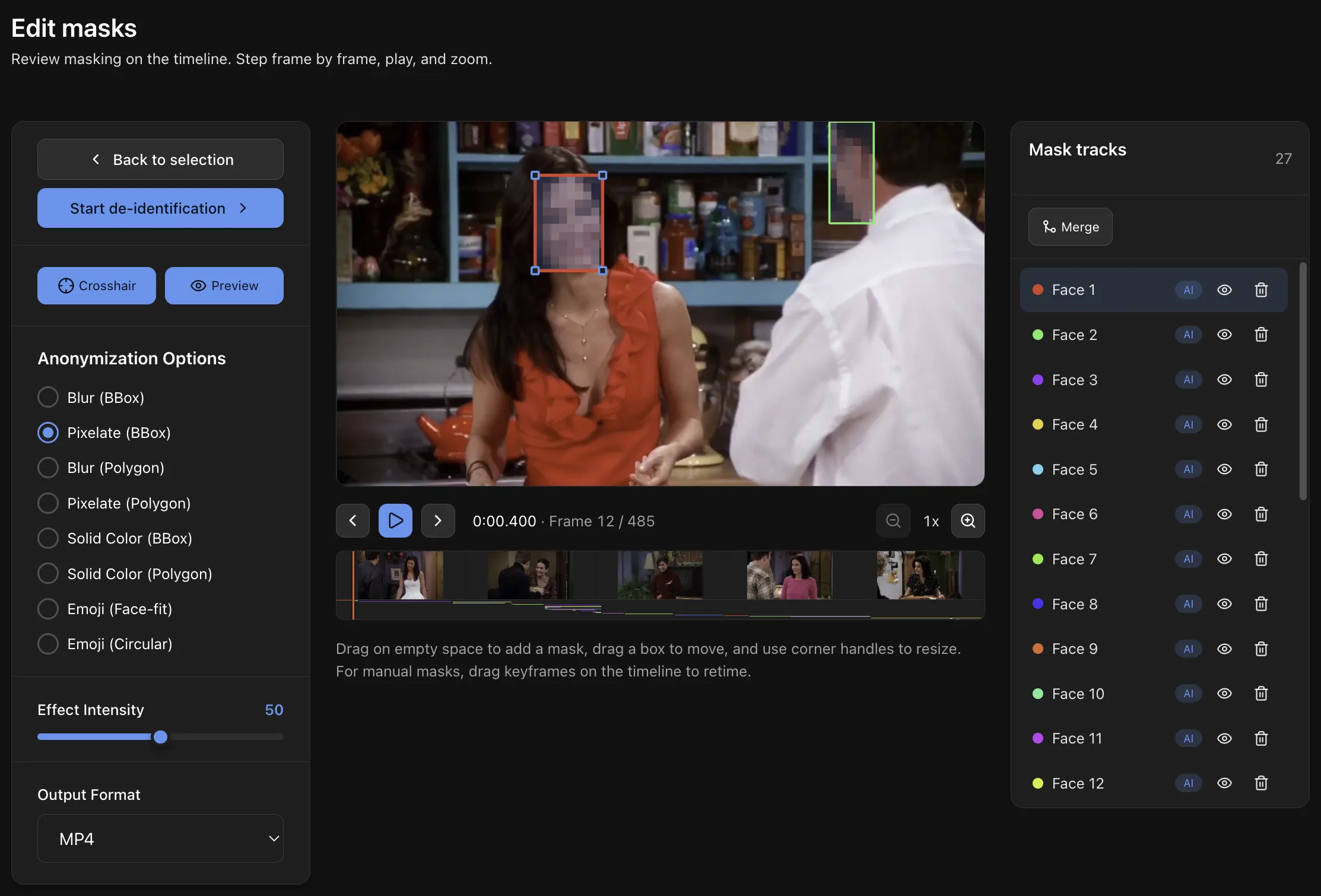
Frame-level mask editing on a timeline
You do not have to accept the automatic result blindly. Scrub through the timeline, adjust boxes, add manual masks, remove false positives, and preview the actual de-identification effect before export.
How it works
AI tracks preserve dense frame-by-frame detections, while manual tracks use keyframes and interpolation. The final encoder applies both through the same masking pipeline.
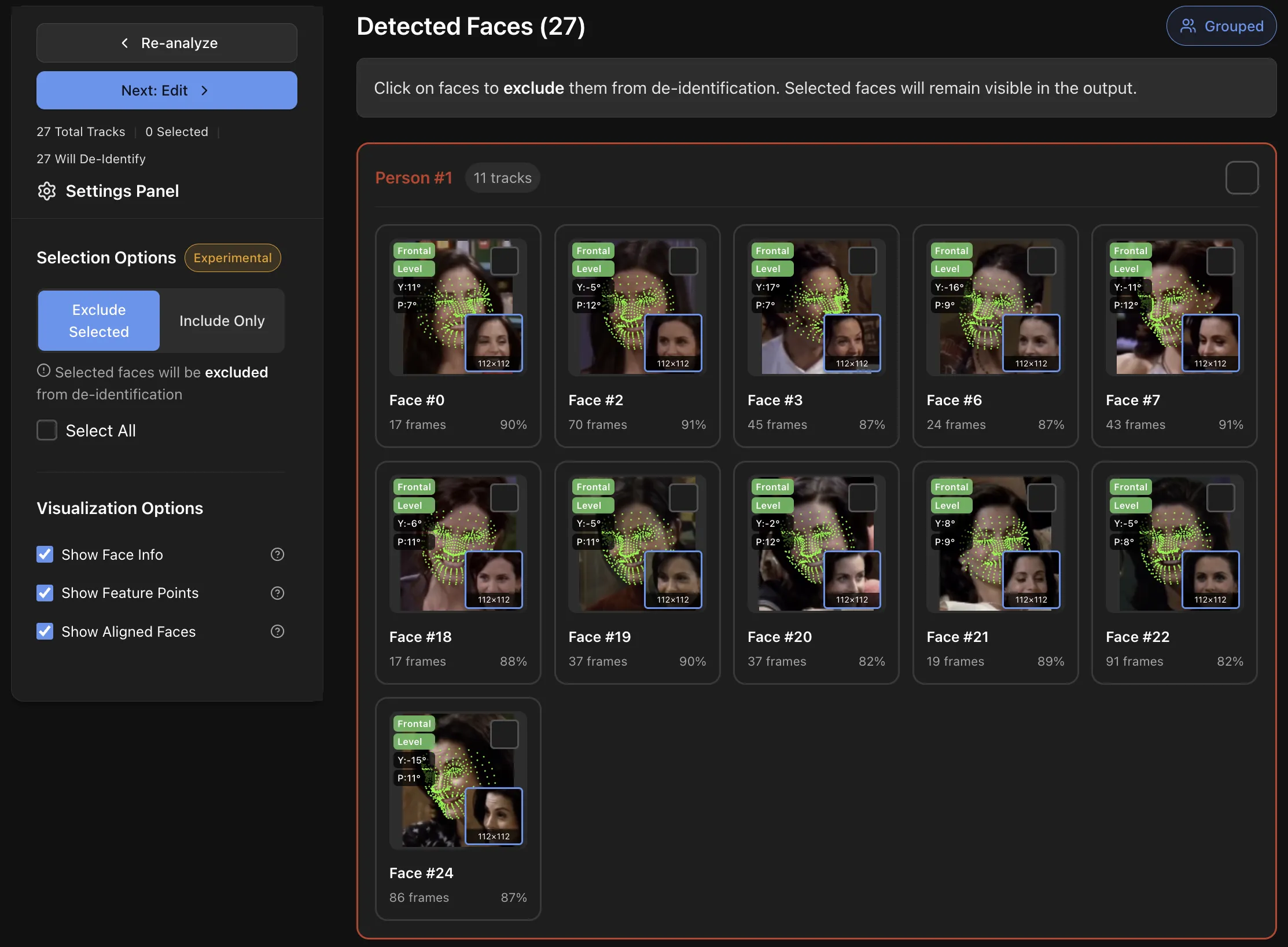
Choose exactly who to blur Experimental
Keep the interviewee visible while blurring passersby in the background? Easy. Select which faces to mask and which to keep.
How it works
Our proprietary face recognition algorithm identifies the same person throughout the entire video, ensuring consistent selective processing even across scene changes.
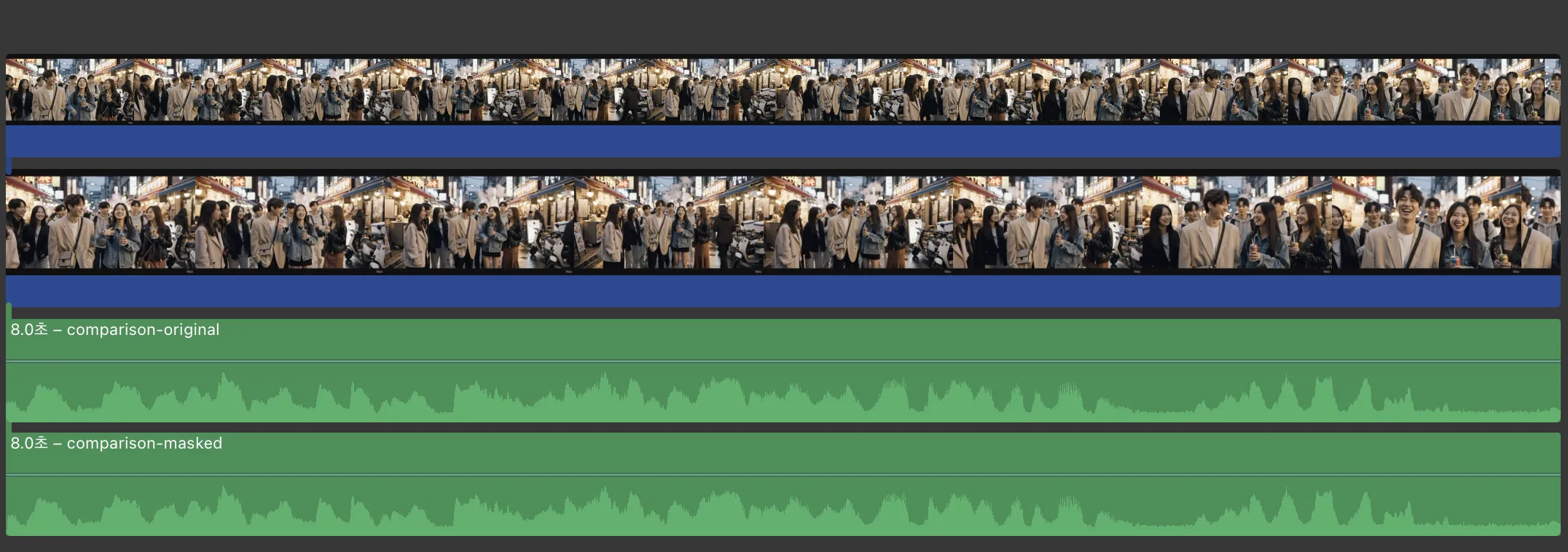 Audio waveform preserved identically from original
Original quality preserved, audio intact
Only the mosaic is added — nothing else is touched. No quality degradation, and your audio stays perfectly intact.
How it works
Built on modern web standard encoding technology for frame-accurate processing, preserving audio and metadata exactly as the original.
Before & After
Selective anonymization applied • Audio fully preserved
See It in Action
Watch how easy it is to anonymize faces in your videos
Trusted Across Industries
See how professionals use VideoMasker
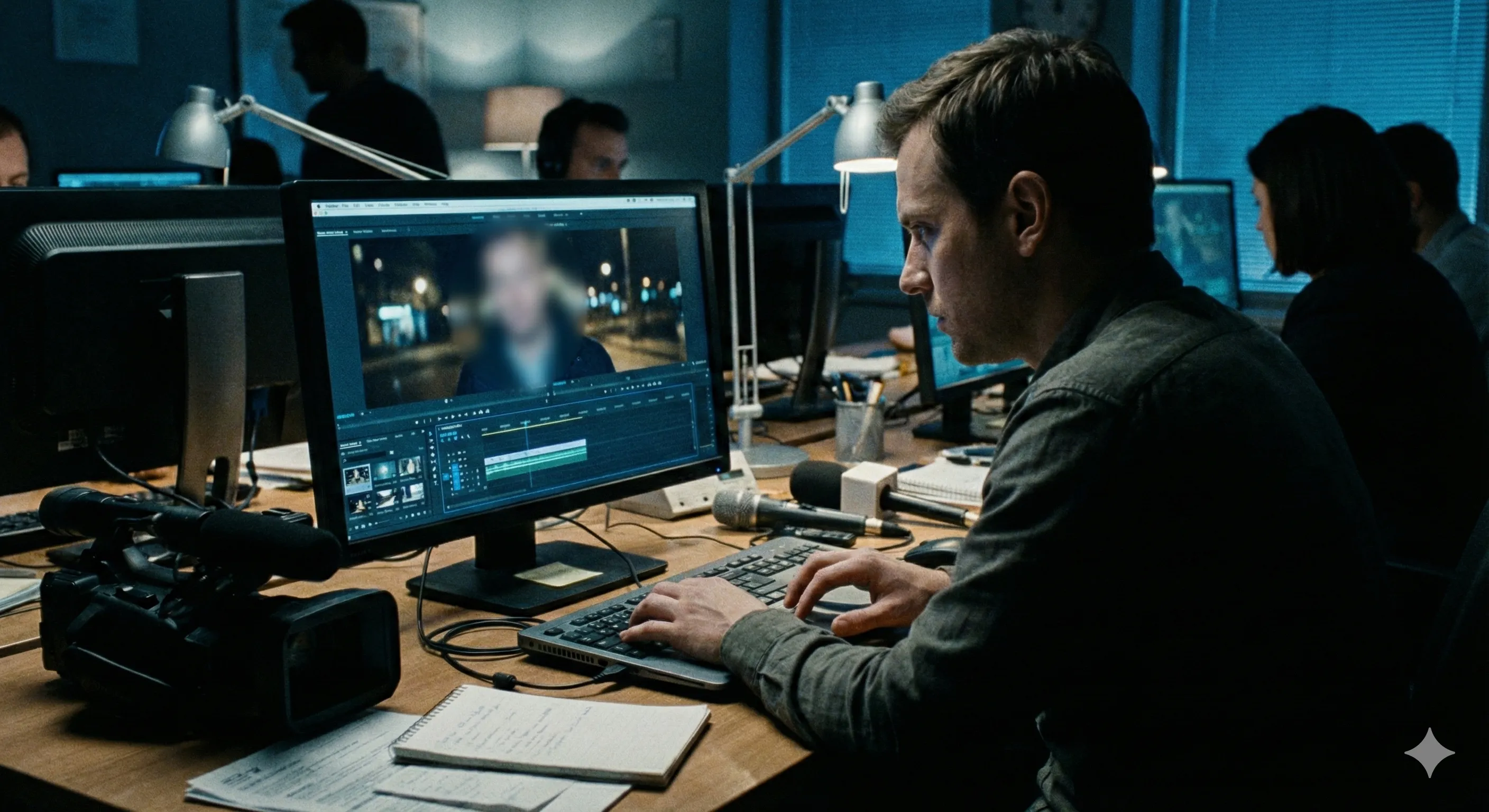
Journalism & Media
"We can now protect witness identities in breaking news footage within minutes, not hours."
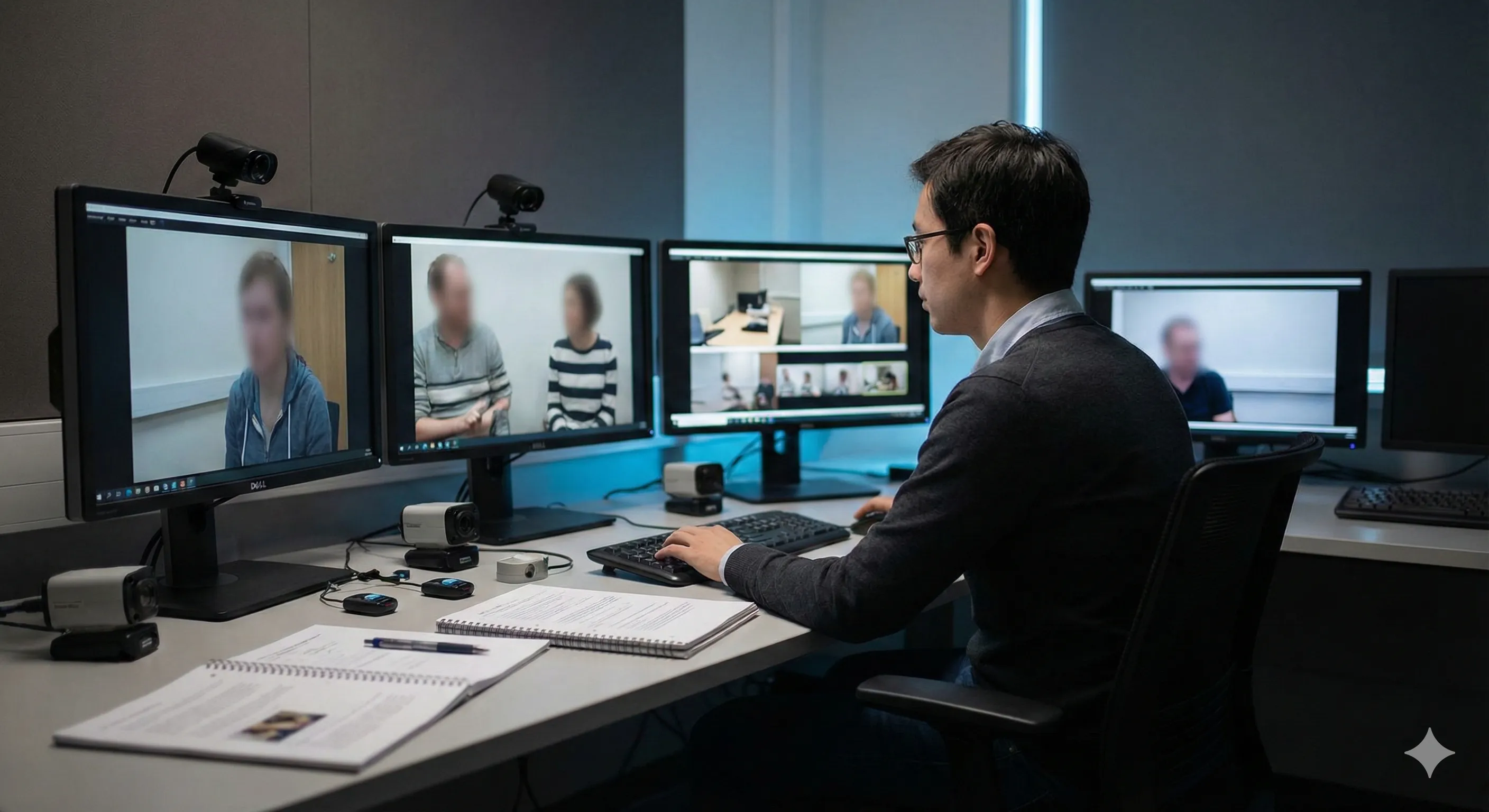
Academic Research
"IRB compliance for video-based studies has never been easier. Our participants' privacy is guaranteed."
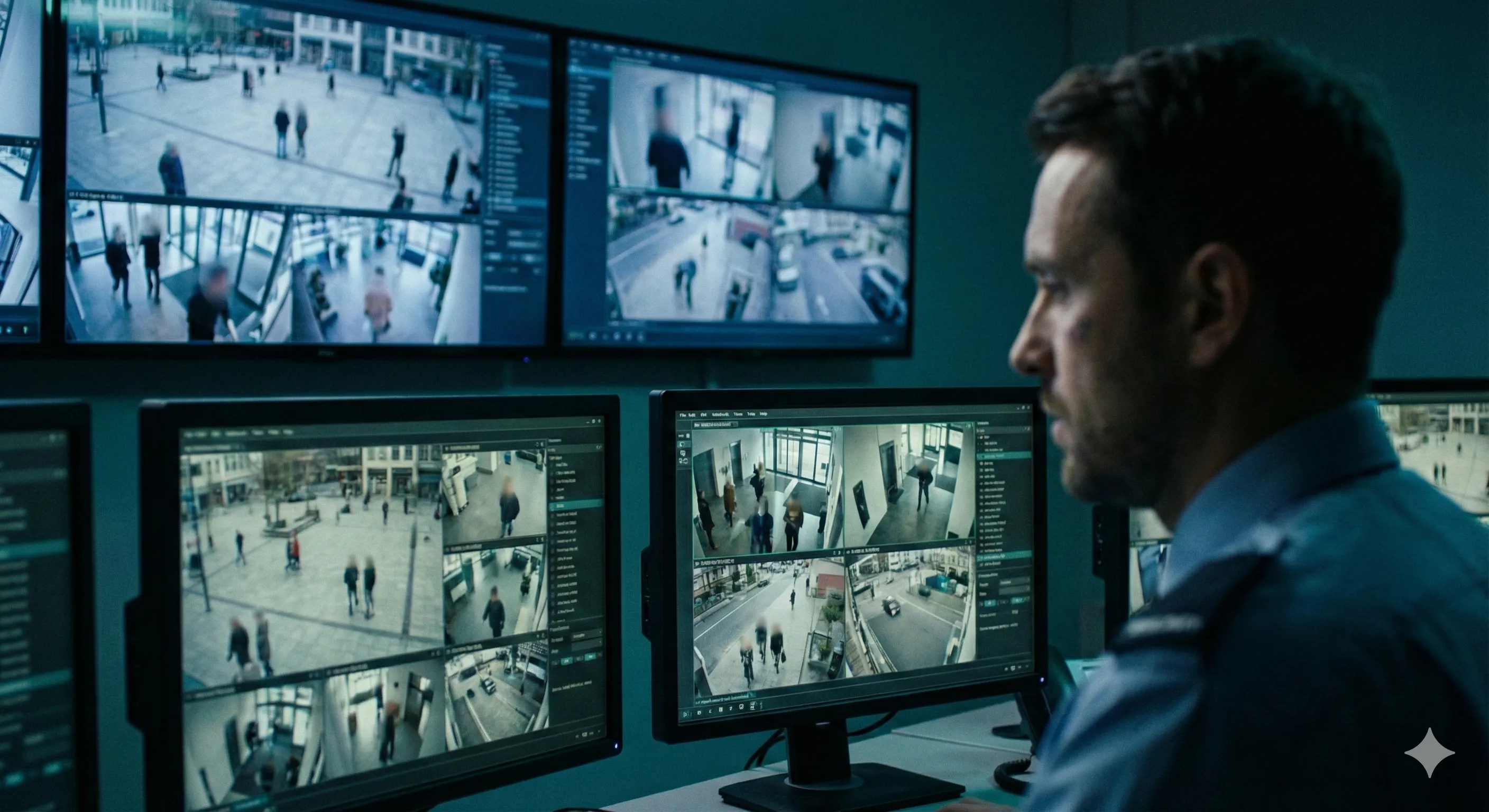
Security & Surveillance
"Sharing CCTV footage for investigations while protecting bystander privacy is now simple and fast."
Browser Compatibility
VideoMasker uses cutting-edge web technologies including WebAssembly and WebGPU. For the best experience, we recommend the following browsers.
Recommended Browsers
- Chrome 94+
- Edge 94+
Limited Support
- Firefox (MediaRecorder fallback)
- Safari (WASM only, may experience slower performance)
iOS Device Notice
iPhones and iPads do not support WebGPU, using WASM fallback instead. Processing speed may be significantly slower than desktop. For longer videos, we recommend using Chrome on PC/Mac.
Pro Features
With Pro plan, you can select specific faces to exclude from de-identification.
Learn more about Pro →Frequently Asked Questions
Is it really free?
Yes, basic mosaic (pixelation) is completely free with no limits. Advanced features like blur and selective de-identification are available in the Pro plan.
Is my video sent to a server?
No. VideoMasker processes everything inside your browser. It's physically impossible for your video to be uploaded or transmitted anywhere.
Which browser should I use?
Google Chrome or Microsoft Edge is recommended for the fastest processing with WebGPU support. Firefox and Safari also work but may be slower.
Can I process long videos?
Yes. Processing time depends on video length and resolution since everything runs in your browser. Typically, a 1-minute 720p video takes about 1-2 minutes.
Try it right now
No sign-up, no install, no payment. Just open your browser.