
The first thing you usually do when using an online editing tool is “upload a file.” It’s convenient—just one click—but when the video contains other people’s faces, it’s natural to wonder where that file goes.
This is especially true for original footage that has not yet been made public, such as customer interviews or internal company events. In this post, we’ll explain what “processing a video without uploading it” actually means and how it differs from typical online tools.
1. How do typical online tools process videos?
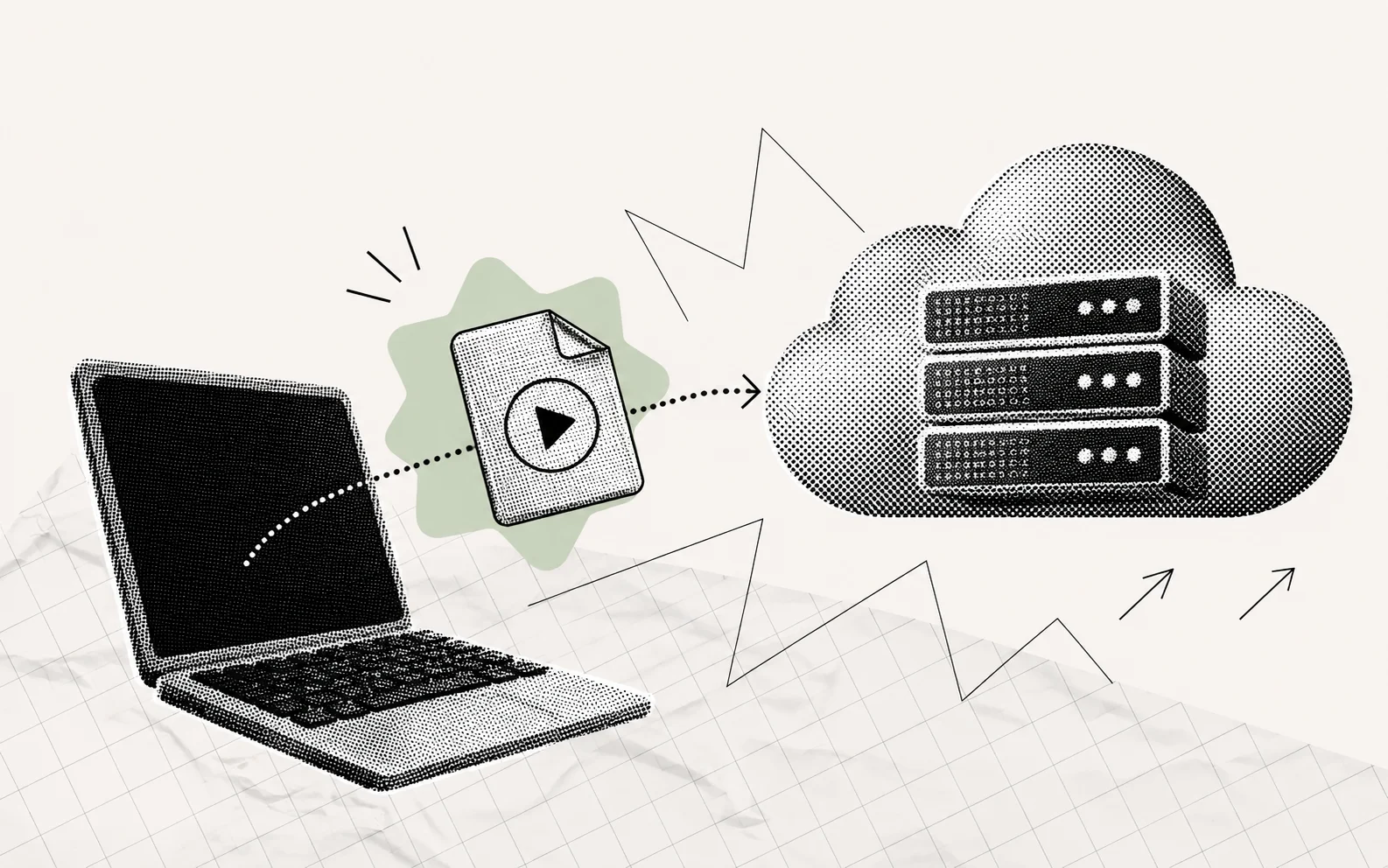
Most online video tools process files on a server. You send a video from your computer to the service provider’s server, where it is analyzed and edited before you download the completed file again.
You can think of it as taking your clothes to a dry cleaner. It’s convenient because you don’t have to do the washing yourself, but the clothes leave your hands temporarily and remain at the dry cleaner. Videos work the same way: they stay on the server while being processed, and how long they are retained after the work is complete depends on each service’s policy.
2. What does it mean to process a video in the browser?
By contrast, processing a video in the browser is more like bringing a washing machine into your home. When you visit the website, the program and AI model used to analyze the video are loaded into your browser, and the video is analyzed and edited directly on your computer. Opening the video does not involve uploading it to a server; the browser opens a file stored on your computer, so the original video does not leave your device.
On the surface, both methods look like you are working on a website. The difference is where the actual work takes place: on the service provider’s server or on your computer.
3. How can AI run in a browser?
In the past, it was difficult to handle demanding tasks such as detecting and tracking faces in a browser. As browser technology has advanced, these tasks have become possible. Two key technologies are:
- WebAssembly: A technology that allows complex tasks that would traditionally require a native computer program to run quickly in a browser.
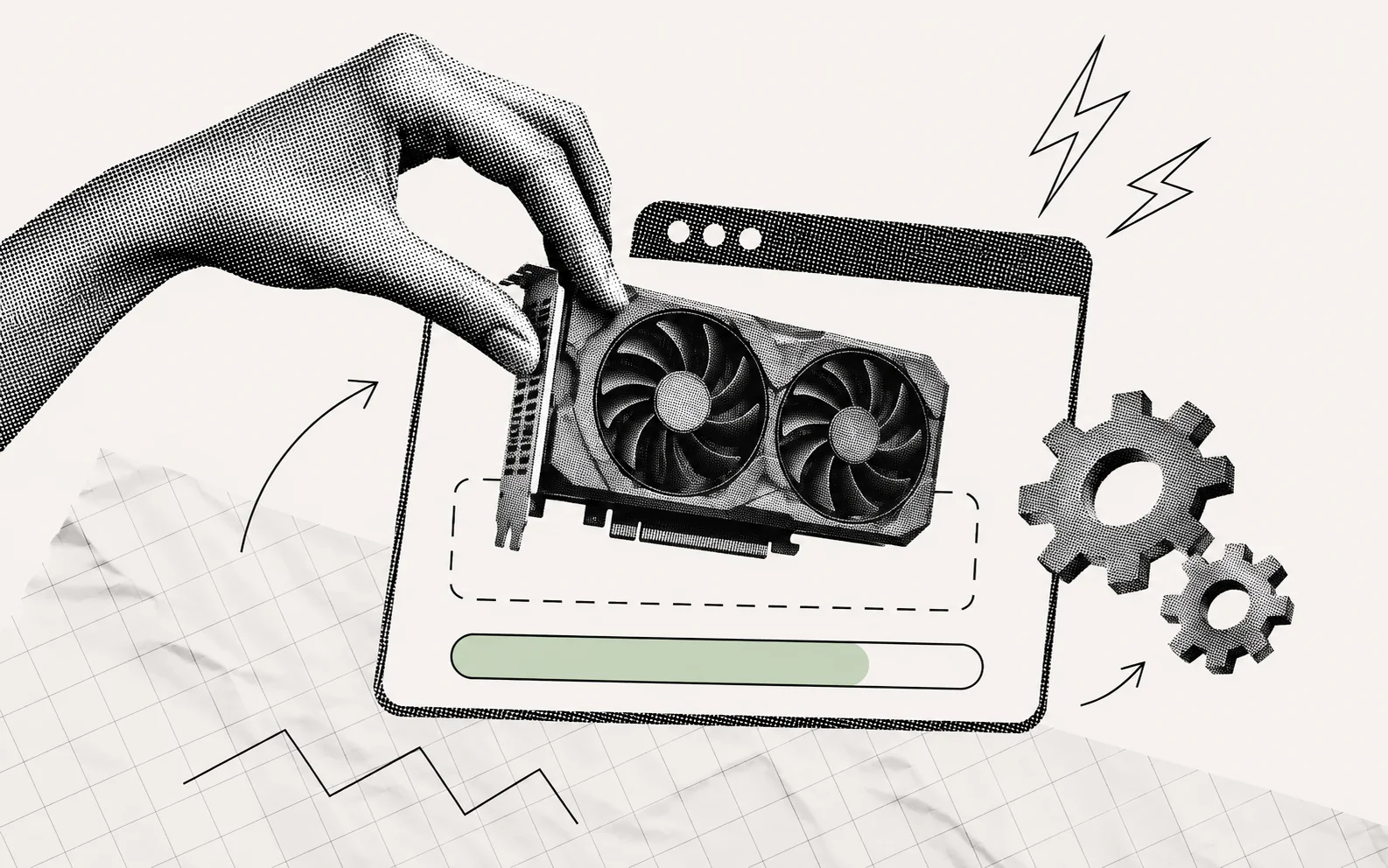
- WebGPU: A technology that allows browsers to use a computer’s graphics processing unit. It can process computationally intensive tasks, such as video processing, quickly.
VideoMasker runs its internally developed face detection model and tracking functions in the browser using these two technologies.
4. So what changes?
The biggest difference is that the original video never leaves your computer. You do not need to send footage containing other people’s unblurred faces to an external server. This is especially meaningful for companies or organizations handling original footage before publication, or when editing videos that show children’s faces—situations where careful management of the original files is important.
Another difference is that you do not have to upload a large video to a server and wait for it to finish processing. You can start working as soon as you open the file. VideoMasker can also be used offline when installed as a PWA (a website that can be installed and used like an app).

5. What should you know before using it?
Processing a video in the browser also means that your computer performs the work directly. As a result, processing speed varies depending on the device and browser you use. Keep the following points in mind for a smoother experience.
- Recommended browsers: Chrome 94 or later, Edge 94 or later (some features may be limited or performance may be slower in Firefox and Safari)
- Processing time: Approximately 1~2 minutes for a one-minute 720p video, depending on the video length and resolution
- Mobile: It can be used on iPhone and iPad, but performance may be slower than on a desktop. For long videos, we recommend working in Chrome on a PC or Mac
- File formats: You can open MP4, MOV, AVI, and WebM files, and save them as WebM or MP4
Try VideoMasker now
As explained in this post, VideoMasker can be used directly on the website without installing a separate program. AI automatically applies masks, lets you preview the results immediately, and allows you to refine the masks manually.