

There are many moments parents want to capture from their children’s everyday lives, such as the moment they take their first steps or sing onstage at a school event. As the internet has developed and social media has become part of everyday life, it has become common for parents to share their children’s daily lives on social media. When Save the Children surveyed 1,000 parents of children aged 0~11, 86.1% said they upload photos or videos of their children to social media.
However, videos showing children’s faces need to be viewed somewhat differently from videos showing adults. We have summarized what to check when uploading a video of your own child, when another family’s child appears in the video, and when an institution such as a school or academy uploads a video.
1. Why do children’s faces require extra care?

Adults can decide for themselves where their faces are made public and choose to consent or refuse. Children, however, may find it difficult to fully understand what it means for a video to be uploaded to the internet.
Once a video is uploaded, it can remain online much longer than expected. After a child grows up, they may not want a video from their childhood to spread among friends or appear in search results.
In fact, the Personal Information Protection Commission operates a separate service to help children and teenagers who are concerned about posts uploaded during their childhood.
2. Things to keep in mind when uploading a video of your child

It is not legally prohibited for parents to upload videos of their own children to personal social media accounts. However, it is a good idea to check whether the video also contains information that could reveal the child’s identity or the area where they live. Information that appears more often than you might expect includes:
- Information that reveals the school or name, such as a school uniform, gym uniform, or name tag
- A playground near home, the name of an apartment complex, or the sign of an academy the child frequently visits
- Real-time uploads or location tags that reveal the child’s current location
Even if the child’s face appears cute, this information can make it possible to infer where the child lives or which school they attend. Before uploading a video, check whether any of this information appears in the corners of the screen, and be sure to check whether your account is set to public.
3. What if another family’s child appears in the video?
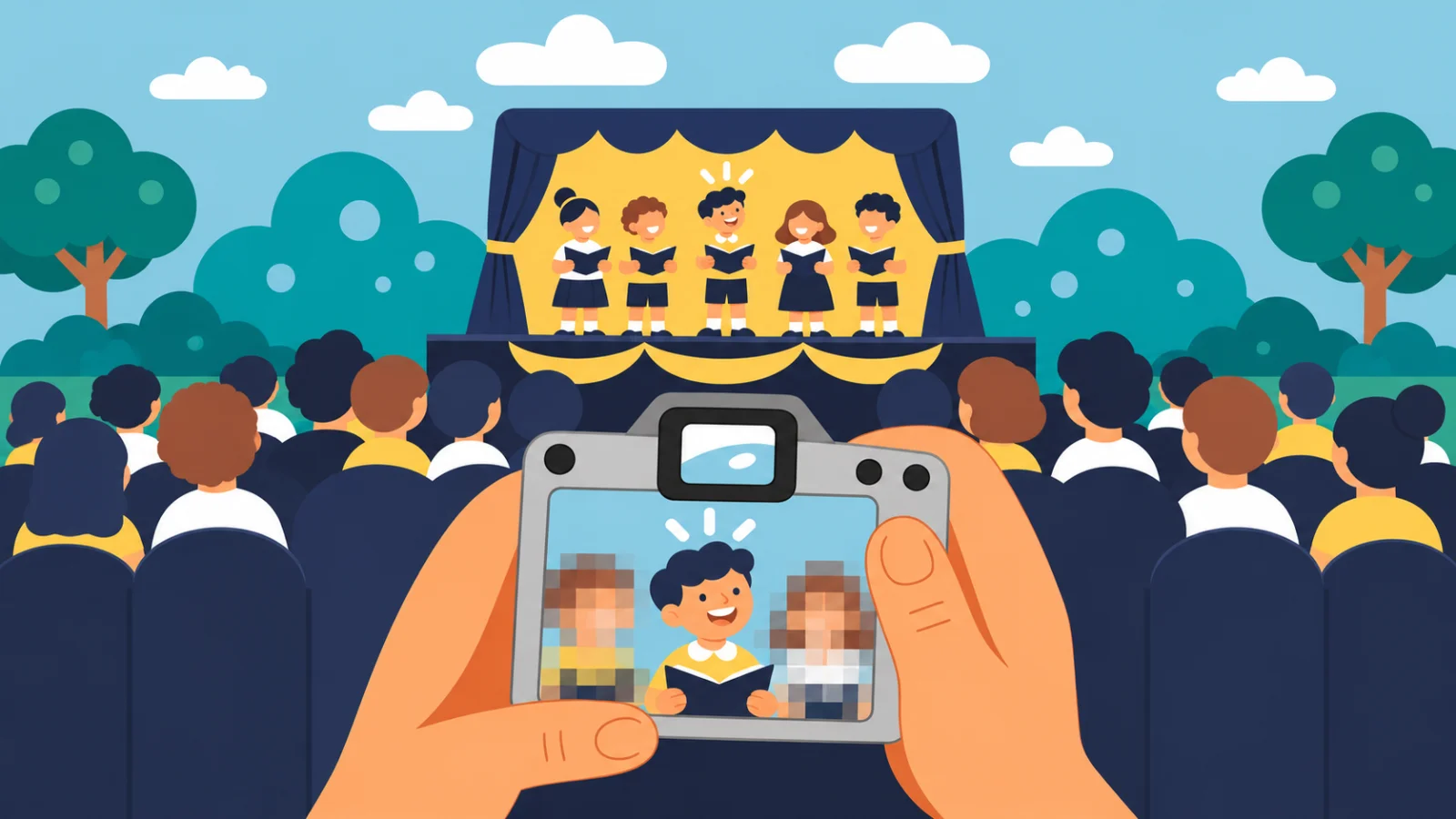
At events where many children are together, such as birthday parties, kids’ cafés, and school performances, it can be difficult to film only your own child. The issue is the other children who appear in the frame.
Other children also have portrait rights, and since children may have difficulty making this decision themselves, the right approach is ultimately to check with their parents or guardians. Uploading the faces of other children as-is simply because the video features your own child would amount to making them public without their parents’ consent.
If it is difficult to ask each guardian individually, you can cover the other children’s faces before uploading the video. In fact, when sharing videos of school performances or sports days, many people keep only their own child visible and mosaic the faces of the other children.
4. When a school, daycare center, or academy uploads a video

When an institution or business uploads videos of children for promotional purposes or to document activities, it should be viewed differently from a personal social media post. Because the children’s videos are being handled for business purposes, the Personal Information Protection Act (PIPA) may apply.
Article 22-2 of the Personal Information Protection Act provides that when processing the personal information of a child under 14, in cases where consent is required, the organization must obtain consent from and verify consent by the child’s legal representative (parent or guardian), rather than from the child. It also states that when explaining the processing of personal information to a child, easy-to-understand language should be used.
5. If you have already uploaded a video
If you are concerned about a video you uploaded in the past, you can still organize it now. If you uploaded the post yourself, you can change its visibility to “Only me” or “Friends,” or take the video down, hide the faces, and upload it again.
If your child has grown up and wants to delete posts uploaded during childhood, you can also use the Personal Information Protection Commission’s “Erase” service (“Our Personal Information to Protect”). After you apply through the Personal Information Portal, the service requests deletion or search blocking from the bulletin board operator on your behalf. Eligibility and application instructions are available on the Personal Information Portal.
Easily hide faces with VideoMasker
Because several children move continuously in videos of school performances or sports days, it is not easy to manually apply a mosaic to each child and keep it aligned. VideoMasker automatically detects faces in videos and follows their movements to hide them.
Because all processing also takes place in the browser, you do not need to upload the original video containing the children’s unobscured faces to an external server.