
Cars suddenly cutting in, motorcycles running red lights—while driving, you may sometimes capture outrageous scenes on your dashcam. Many people upload this kind of footage to automotive communities or YouTube, either because they feel wronged or because they want to warn other drivers.
However, dashcam footage contains information about more people than you might expect—not only the vehicles in front of your car, but also other drivers and pedestrians crossing the road. Here is what to check before sharing dashcam footage.
1. Information Captured in Dashcam Footage
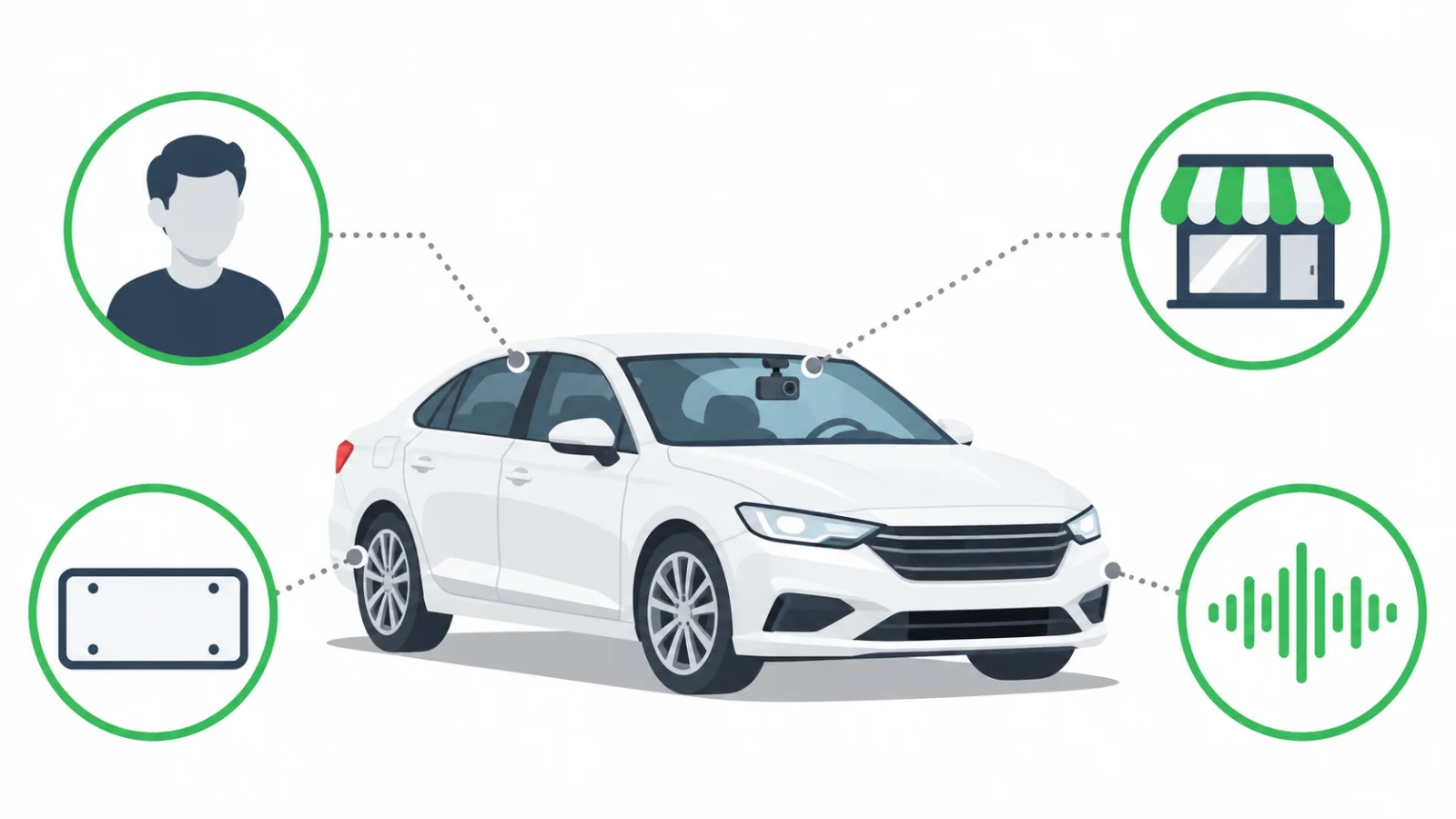
Because a dashcam continuously records its surroundings while you drive, various kinds of information may be recorded without your realizing it. Before uploading a video, check whether it contains any of the following.
- The faces of other drivers, pedestrians, and people standing on the sidewalk
- The license plates of other vehicles and nearby vehicles
- Information that reveals the filming location, such as store signs or building names
- Conversations or phone calls held inside the car
The last item is especially easy to overlook. Since most dashcams also record sound inside the car, conversations with passengers or phone calls may sometimes be uploaded in their entirety.
2. Should License Plates Be Blurred Too?
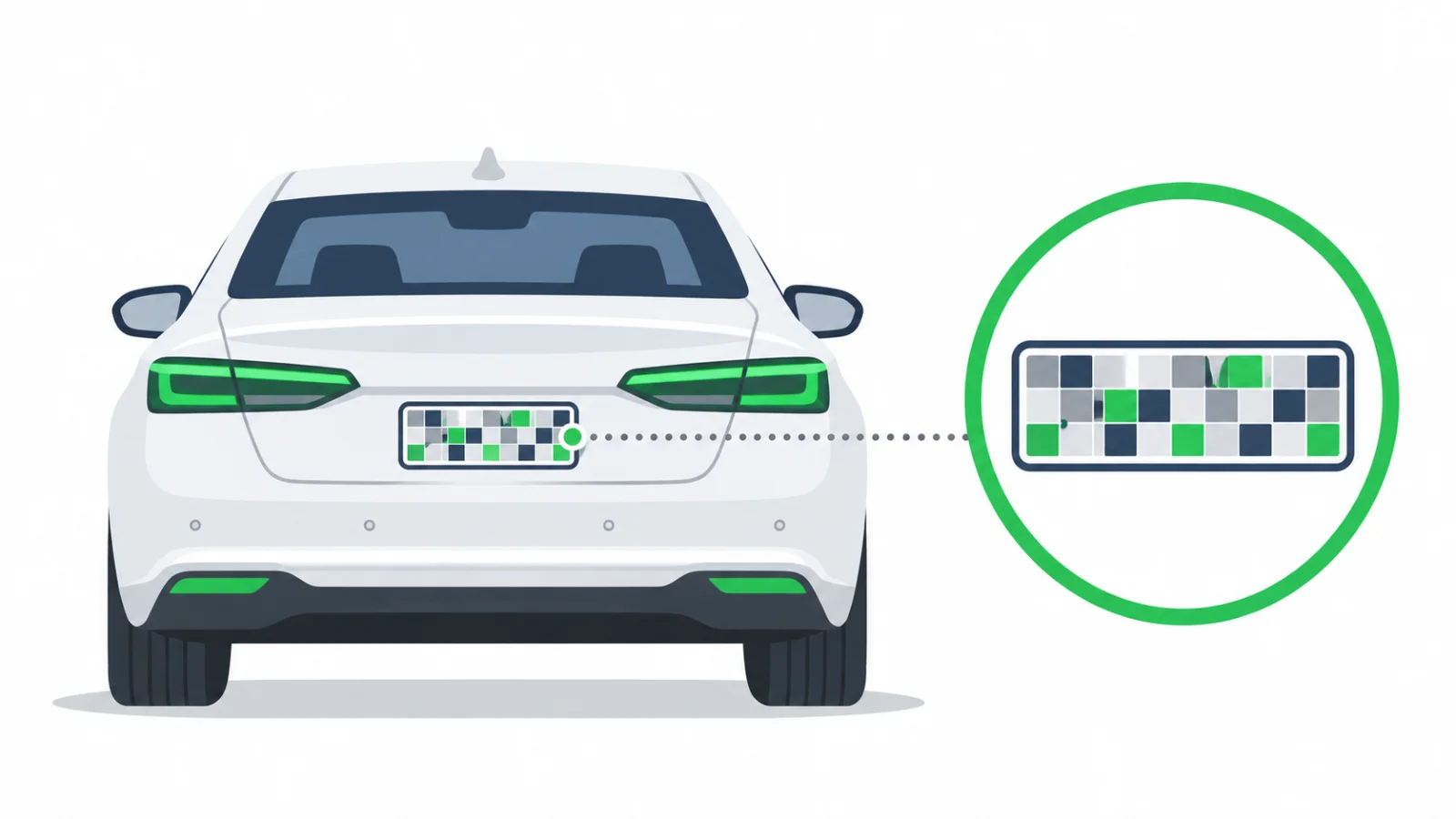
Whether a vehicle license plate constitutes personal information is subject to differing interpretations. In its 2024 guidelines on mobile video information processing devices, the Personal Information Protection Commission stated that, in general, a vehicle registration number alone is difficult to consider personal information. On the other hand, civic groups and others have voiced opposing opinions, arguing that a vehicle owner can be sufficiently identified through a license plate.
Regardless of whether a license plate is considered personal information, there is a good reason to blur it. If you post a critical message along with the video and the other person can be identified because of their license plate or face, it could lead to a defamation issue. Even without using the person’s real name, they may be considered identifiable if people around them can determine who they are based on information such as their vehicle, face, or location.
3. Can It Still Be a Problem If I Only Posted the Facts?
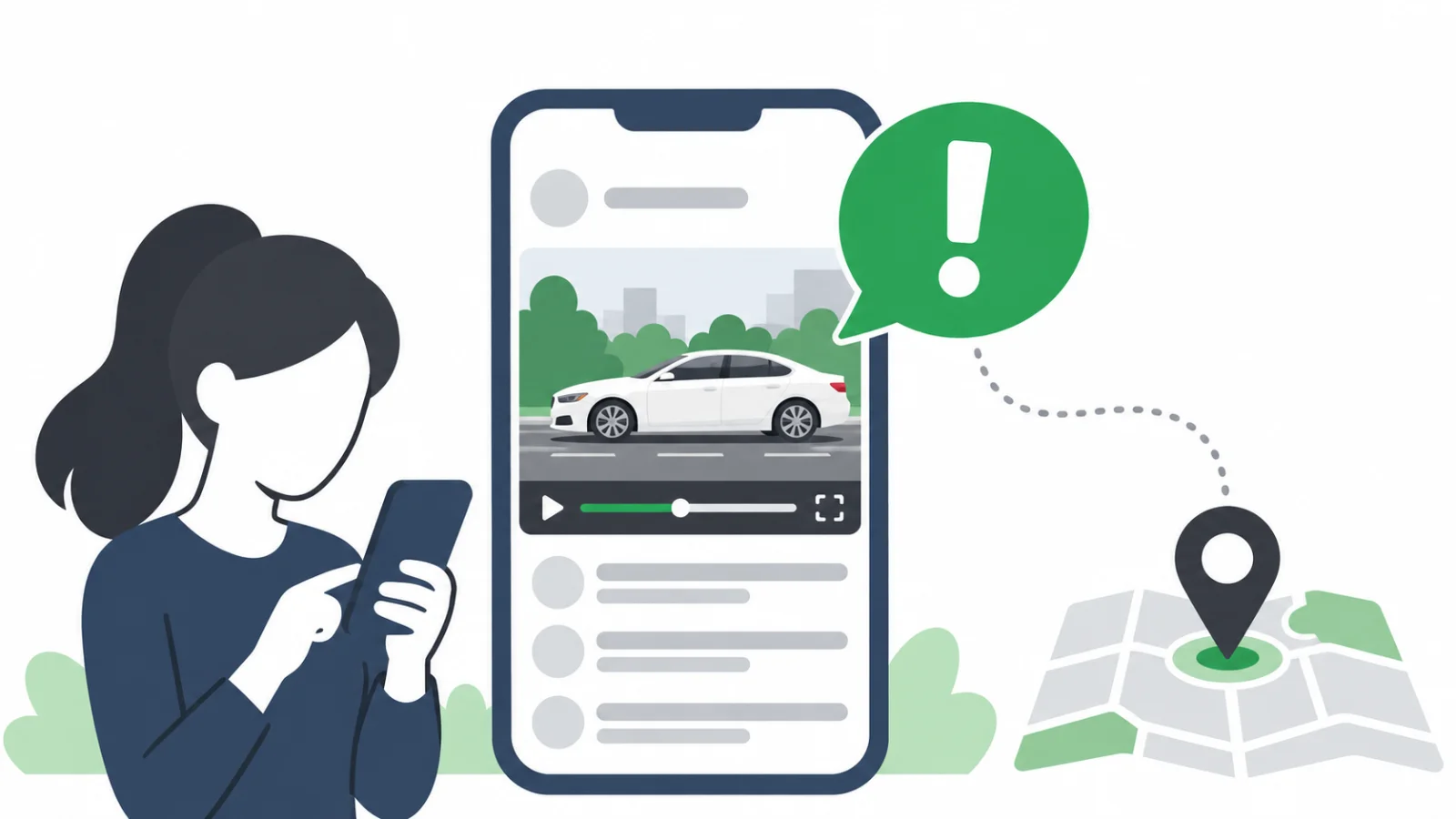
It is easy to think, “It’s footage that was recorded exactly as it happened, so what could be the problem?” However, in Korea, defamation can be established even when the information disclosed is true. In particular, when the content is posted online, the Act on Promotion of Information and Communications Network Utilization and Information Protection may apply.
Defamation is generally determined by considering whether the other person can be identified, whether the content was posted in a place accessible to many people, and whether there was an intent to disparage them. Even if you claim that the purpose was in the public interest—to warn other drivers to be careful—it may be difficult for that argument to be accepted if you added a title or captions mocking the person or revealing personal details.
Separately from defamation, an issue involving the right to one’s portrait may also arise if the face of the other driver or pedestrian is shown in a recognizable manner. The fact that the footage was taken on a public road does not, by itself, justify its use, as discussed in the previous post, “Portrait Rights Disputes Through Actual Court Decisions: What Did the Court Consider?”
4. This Is Different from Using It for a Report or Insurance Claim
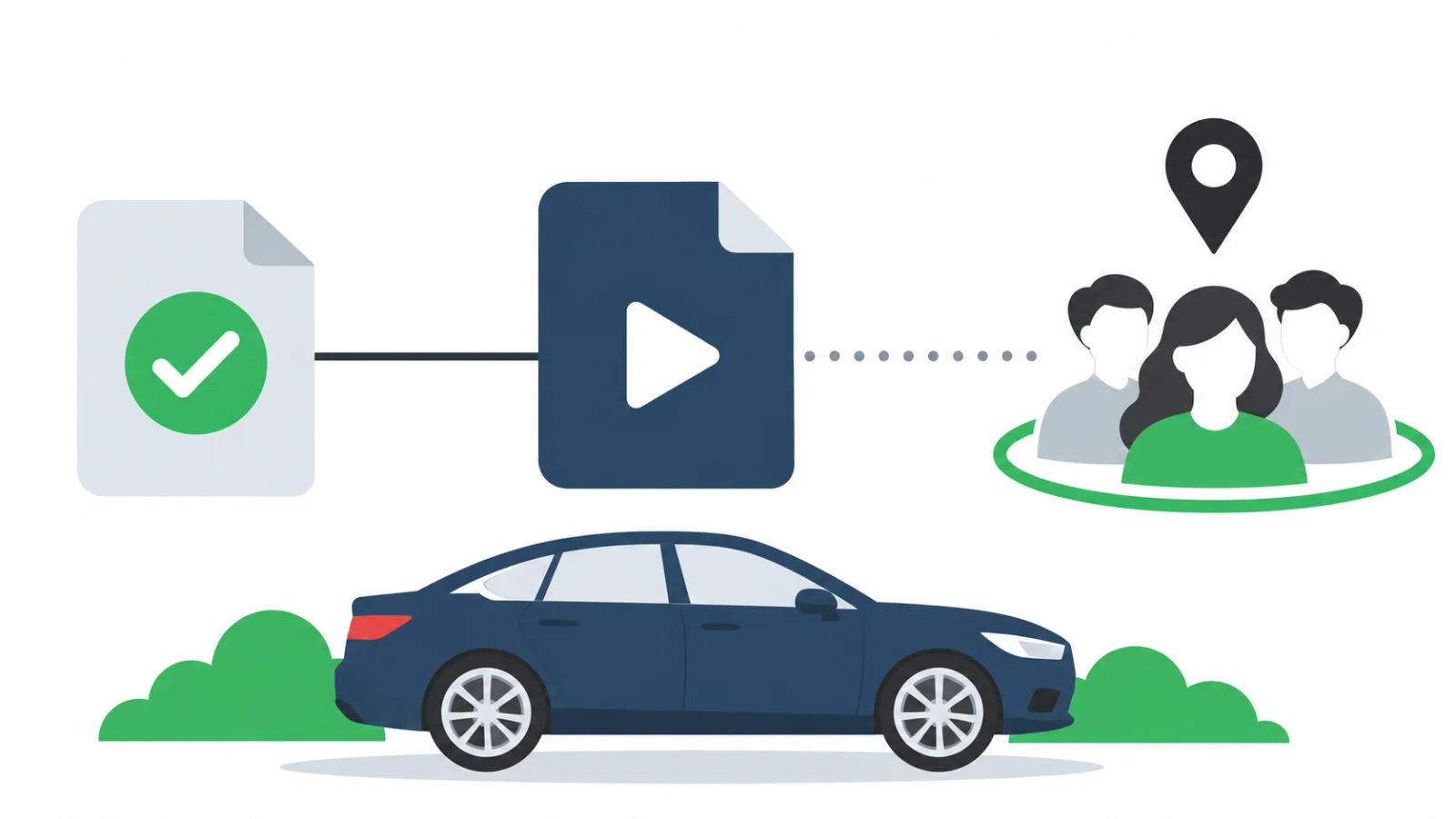
Submitting dashcam footage to the police as evidence for a report or to an insurer as evidence of an accident should be viewed differently from posting it to an online community. Delivering it only to the necessary recipient and posting it somewhere accessible to an unspecified number of people are different in terms of the scope of disclosure.
Therefore, if your purpose is to handle an accident or file a report, it is sufficient to submit the original video to the relevant institution without making it publicly available. On the other hand, if you want to share it with an online community or on YouTube, it is best to first edit the footage so that the people and vehicles in it cannot be identified.
5. Check These Things Before Posting
Check the following before sharing dashcam footage.
- Whether the faces of other drivers or pedestrians are shown in a recognizable manner
- Whether the license plates of other vehicles or nearby vehicles are visible
- Whether conversations or phone calls inside the car are recorded in their entirety (remove the audio before uploading if necessary)
- Whether the title or captions contain language that mocks or makes definitive accusations about the other person
There is one more thing to check if the vehicle is used for business purposes. When a camera is installed on a vehicle for business purposes and used to film a public place, the provisions on mobile video information processing devices under the Personal Information Protection Act (PIPA) may apply, creating obligations such as notifying people that filming is taking place.
Organize Your Dashcam Footage with VideoMasker
Dashcam footage often contains scenes where vehicles and people pass by quickly, making it difficult to apply mosaics one scene at a time. VideoMasker uses AI to automatically find faces in the video and keep them covered as they move. For areas other than faces, such as license plates, you can add masks manually on the timeline.
Because videos are processed in the browser without being uploaded to a server, you can also reduce concerns about original footage containing accident scenes being sent outside your device.