When you open a video in VideoMasker, masks are applied to each face within minutes, and they follow the faces even as people move. It may look like the process is completed with a single button, but two major tasks are taking place behind the scenes: detecting faces and tracking the faces that have been found.
In this post, we explain how AI finds and follows faces in videos without using difficult terminology.
1. A Video Is Made by Stitching Together Thousands of Photos
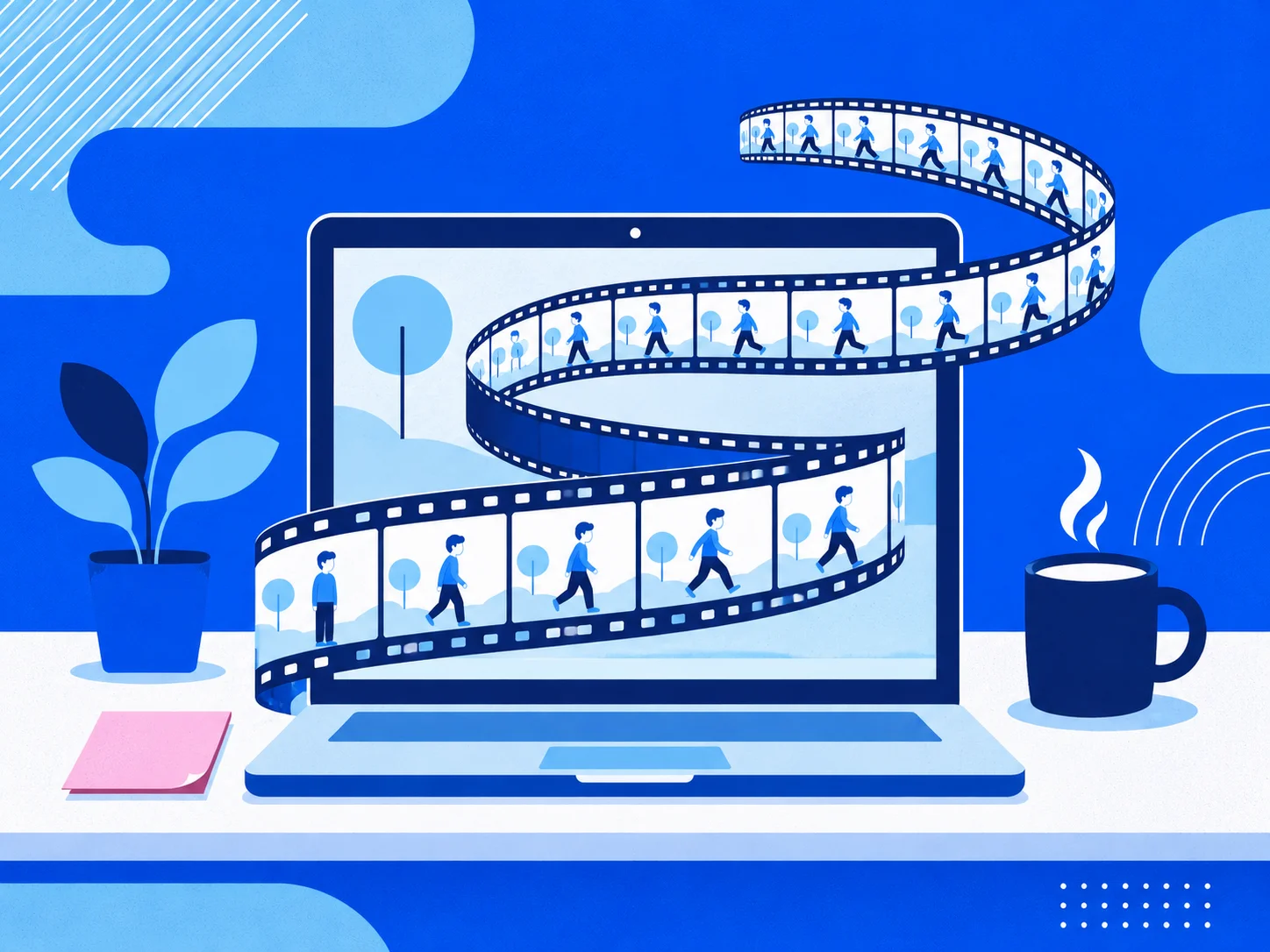
To understand how AI sees a video, we first need to know what a video is made of. A video is essentially a series of photos shown in rapid succession. Each individual photo is called a “frame.”
A typical video consists of around 30 frames per second. That means a one-minute video contains about 1,800 photos, while a 10-minute video contains 18,000. This is why it is so difficult for a person to apply mosaics to each scene one by one.
2. Step 1: Finding Faces in a Single Photo (Detection)
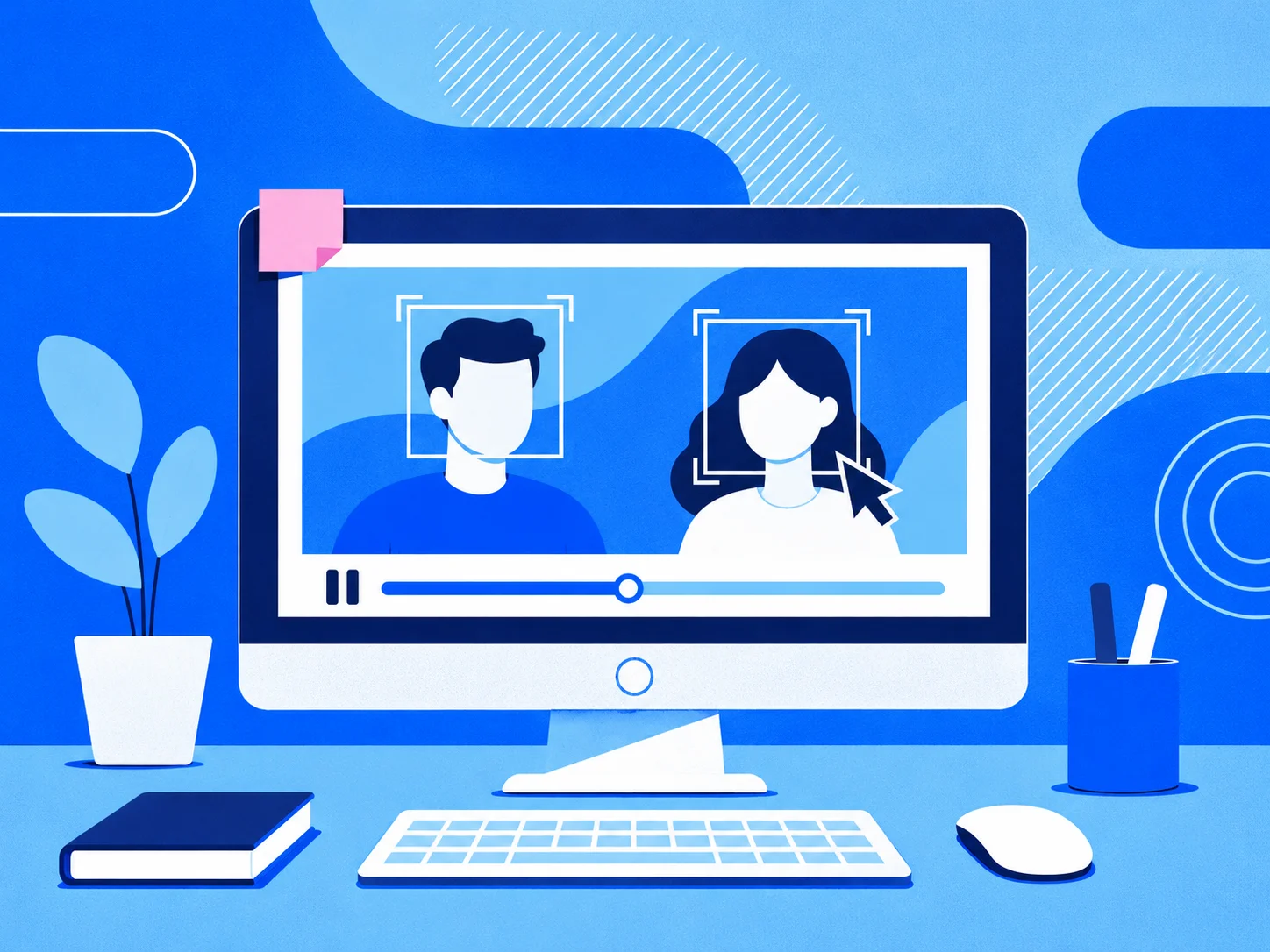
The first step is “face detection”—finding where faces are located in each frame. By training on countless face images in advance, AI learns common facial features, such as the arrangement of the eyes, nose, and mouth, as well as the outline of the face. This allows it to recognize that “there is a face here” even when it encounters someone it has never seen before. Once it finds a face, it marks its location with a rectangular box and also calculates how likely it is to be a face.
There is one important distinction to make here. Face detection is a technology for finding the “location” of a face on screen; it is not a technology for determining “who” that person is. It is different from facial recognition, which identifies a person’s identity.
3. Step 2: Continuously Following the Faces That Were Found (Tracking)
Detection alone is not enough. Even if AI finds a face in every frame, it still does not know whether the face in one frame belongs to the same person as the face in the next frame.
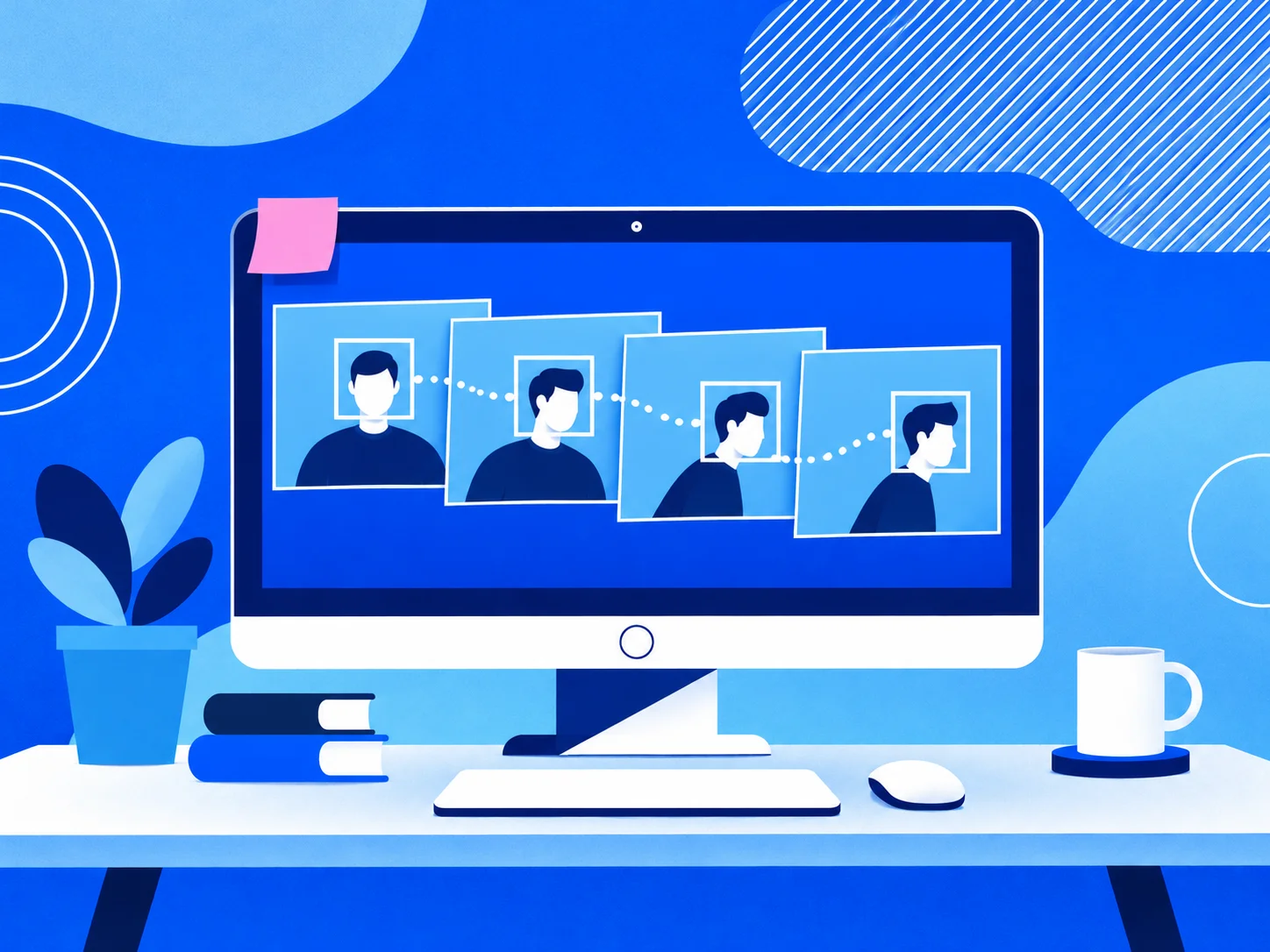
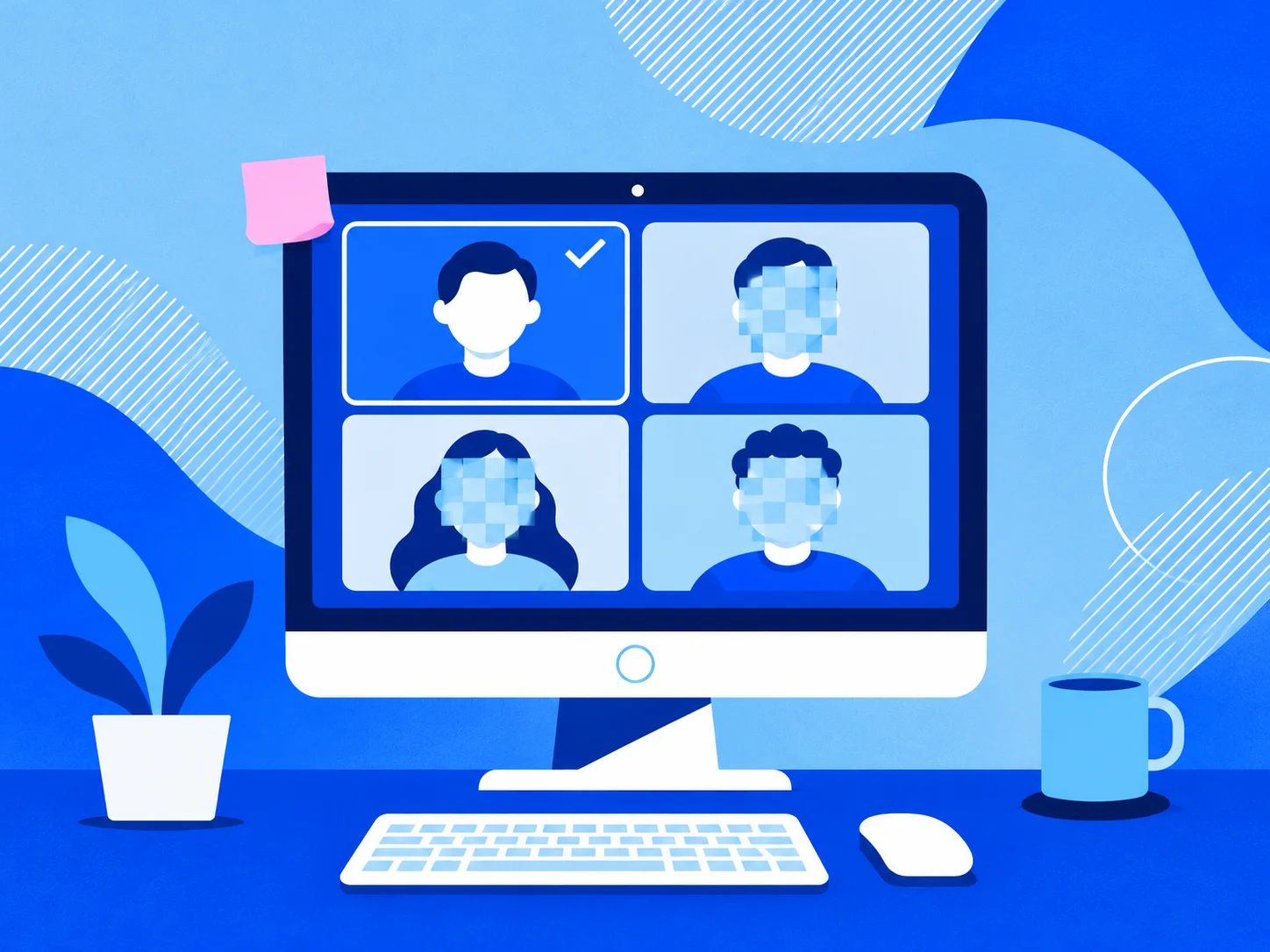
That is why the second step, “tracking,” is necessary. Tracking connects faces found in consecutive frames and assigns the same number to the face of the same person. Generally, it compares information such as the face’s position, size, and direction of movement to determine things like, “The face that was on the left earlier has moved slightly to the right.”
Once the faces are connected this way, the people in the video are grouped into a continuous flow, such as “Person 1” and “Person 2.”
4. Why Are Both Detection and Tracking Necessary?
Adding tracking makes the masking results much more natural.
- Masks do not break up. Even when someone turns their head or briefly covers their face with a hand, the mask can continue by considering the flow between the preceding and following frames.
- Multiple people can be distinguished. Even when several people appear on screen at the same time, each face can be tracked and processed separately.
- Specific faces can be selected for processing. Because each person is assigned a number, tasks such as “leave Person 1 unmasked and hide everyone else” become possible.
The ability to leave the interview subject visible while masking only people in the background is ultimately possible thanks to this tracking as well.

5. How VideoMasker Processes Videos
VideoMasker uses its proprietary face detection model to find faces in videos, tracks multiple faces simultaneously, and applies masks. All of this takes place inside your browser rather than on a server. During analysis, it also generates preview scenes that can be viewed on the timeline, so you can check the results as soon as the analysis is complete.
You can also add masks manually on top of the masks created by AI. Simply specify the mask position in a few desired scenes, and the sections between them are filled in naturally. The masks you add manually and the masks created by AI are then combined and reflected in the final video.
See It for Yourself with VideoMasker
The process of finding and following faces is easier to understand when you open a video yourself. When you open a video in VideoMasker, you can immediately see on the timeline how the faces found by AI and their masks follow the subjects’ movements.