
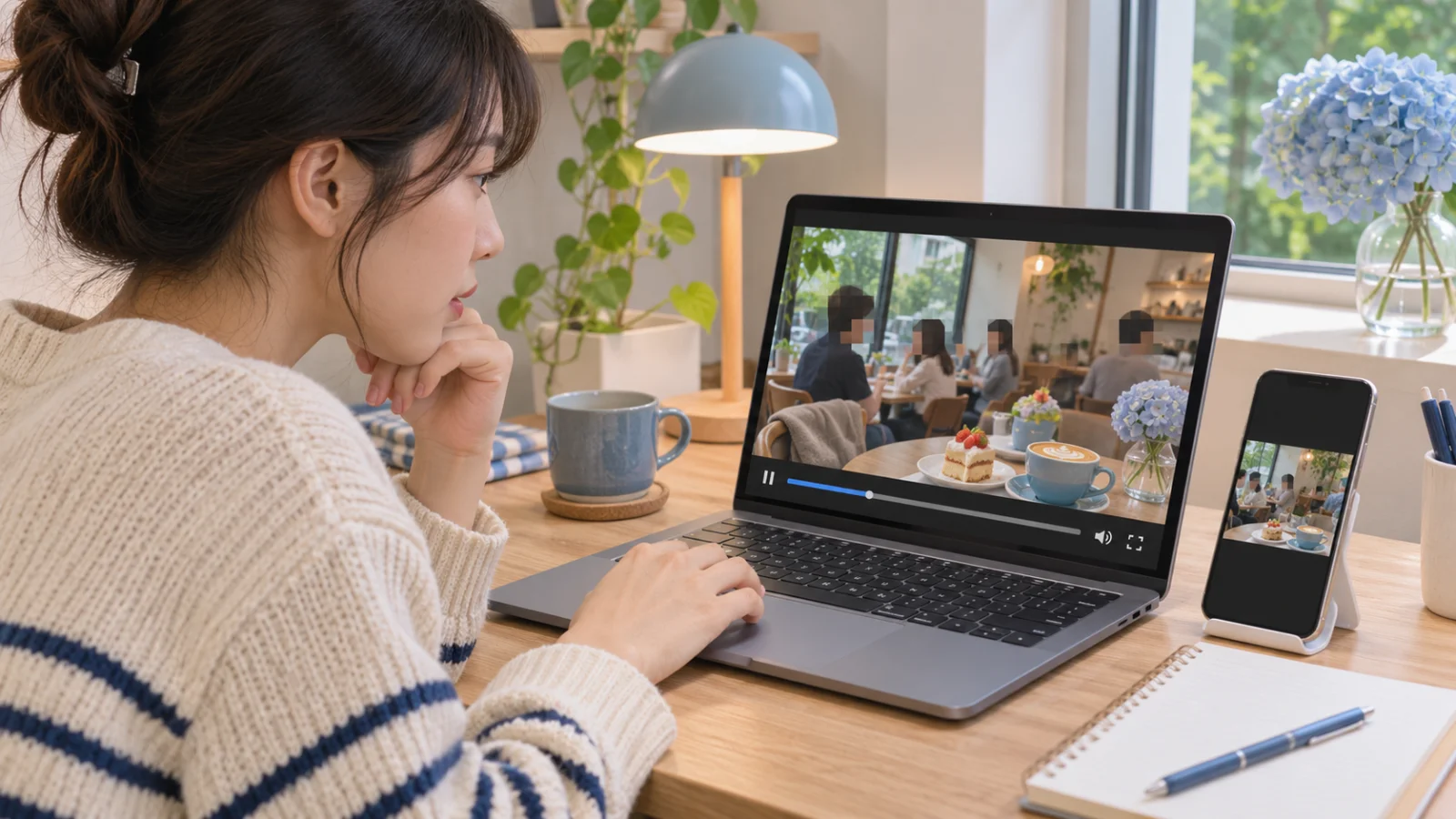
These days, when a smartphone makes it easy and quick to record almost anything, video has become an essential way to document everyday life. As a result, it has also become increasingly common for other people to appear in our videos.
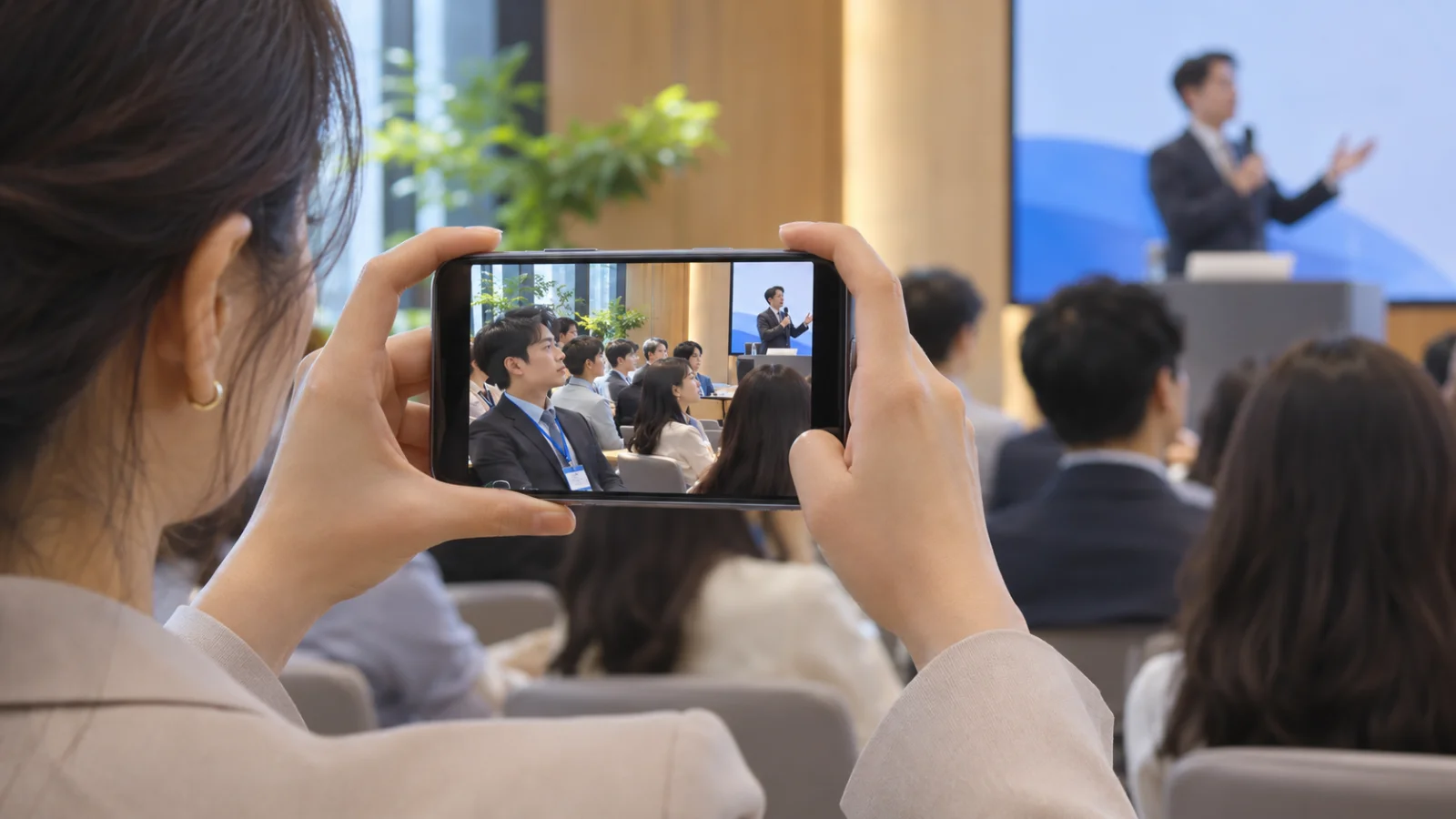
For example, you might film a vlog by yourself at a café, only to find when you get home and prepare to post it on social media that the person sitting next to you is clearly visible. Or you might think you filmed only the presenter at a company event, but later notice a row of participants’ faces in the audience behind them.
They only appear for a few seconds. Can I just post the video?
It depends on the circumstances, but the mere fact that someone else appears on screen does not automatically create a problem. What you need to consider varies depending on whether the person can be identified, why the video was filmed, and where it will be posted. We’ve narrowed down five things worth checking before you press the Post button.
1. Is the person’s face identifiable?
When people think of personal information, they usually think of names, phone numbers, and dates of birth. However, the scope defined by law is broader than that. Article 2 of the Personal Information Protection Act (PIPA) also considers information that can identify an individual, such as video footage, to be personal information.
Therefore, the key question is not how large the face appears, but whether someone can determine who the person is by watching the scene. Even if the face is small and far away, the situation changes if the company name and the person’s name can be identified from the name tag around their neck. It is best to check even people who merely pass through the background.
2. Permission to film does not necessarily mean permission to post
Agreeing to be filmed does not mean that the footage can be posted anywhere and in any manner. The Supreme Court has ruled that even when someone has consented to being filmed, separate consent is required to disclose the footage beyond the scope permitted at the time. That scope is determined by considering the circumstances in which the filming took place, the stated purpose, and the method of disclosure the person could reasonably have anticipated.
For example, suppose an event video was filmed after being described as being for “internal record-keeping,” and the communications team later wants to use it as a YouTube advertisement. The participants consented to “internal record-keeping,” not to “appearing in an advertisement,” so the video should not be posted without further consideration. If the intended use exceeds what was originally agreed upon, you should consider obtaining additional consent or covering the participants’ faces.
3. Start by clarifying why you are making it public
The assessment can differ depending on the purpose for which the same scene is posted. A personal vlog documenting a trip with friends is not equivalent to a company advertisement made by cutting that footage, and the analysis may be different again when the video is news coverage serving the public interest.
That is why the law does not apply a single rule such as “consent makes it okay, and without consent it is not.” The Personal Information Protection Act specifies additional circumstances in which information may be used even without consent. With portrait rights, too, the public interest is weighed together with the value at stake and the harm suffered by the person concerned.
Ultimately, neither “It is always illegal without consent” nor “If it serves the public interest, you can use it however you want” is accurate. In practice, it is more helpful to first ask, “Is this person’s face really necessary in this video?”
4. If the face is not necessary, reduce the exposure through editing
If there is no real reason to show someone based on the content of the video, you have several options. You can cut out the scene, zoom in, or change the composition to move the person outside the frame. If you need to keep the scene, the most common approach is to add a mosaic or blur effect to the face.
However, adding a mosaic does not completely resolve every issue. Even if the face is covered, the person may still be identifiable from their clothing, voice, location, or other details, meaning that exposure remains. If the video itself reveals something about the person’s private life, covering only the face may not be enough. It is best to view masking as a way to reduce unnecessary exposure; whether the footage may be disclosed is a separate question that must be assessed independently.
5. Check the final file one more time
It is more common than you might expect to find that a face was clearly covered in the editing program, only to notice one or two frames showing the face again when reviewing the exported file. Before posting, carefully play through and check the final file from beginning to end.
- Moments when the scene changes or a person moves quickly
- Name tags, documents, monitors, phone screens, and other details visible on screen
- Parts of a conversation where personal information such as a name or affiliation is mentioned
- The thumbnail (a face may be exposed if a pre-edit frame is used)
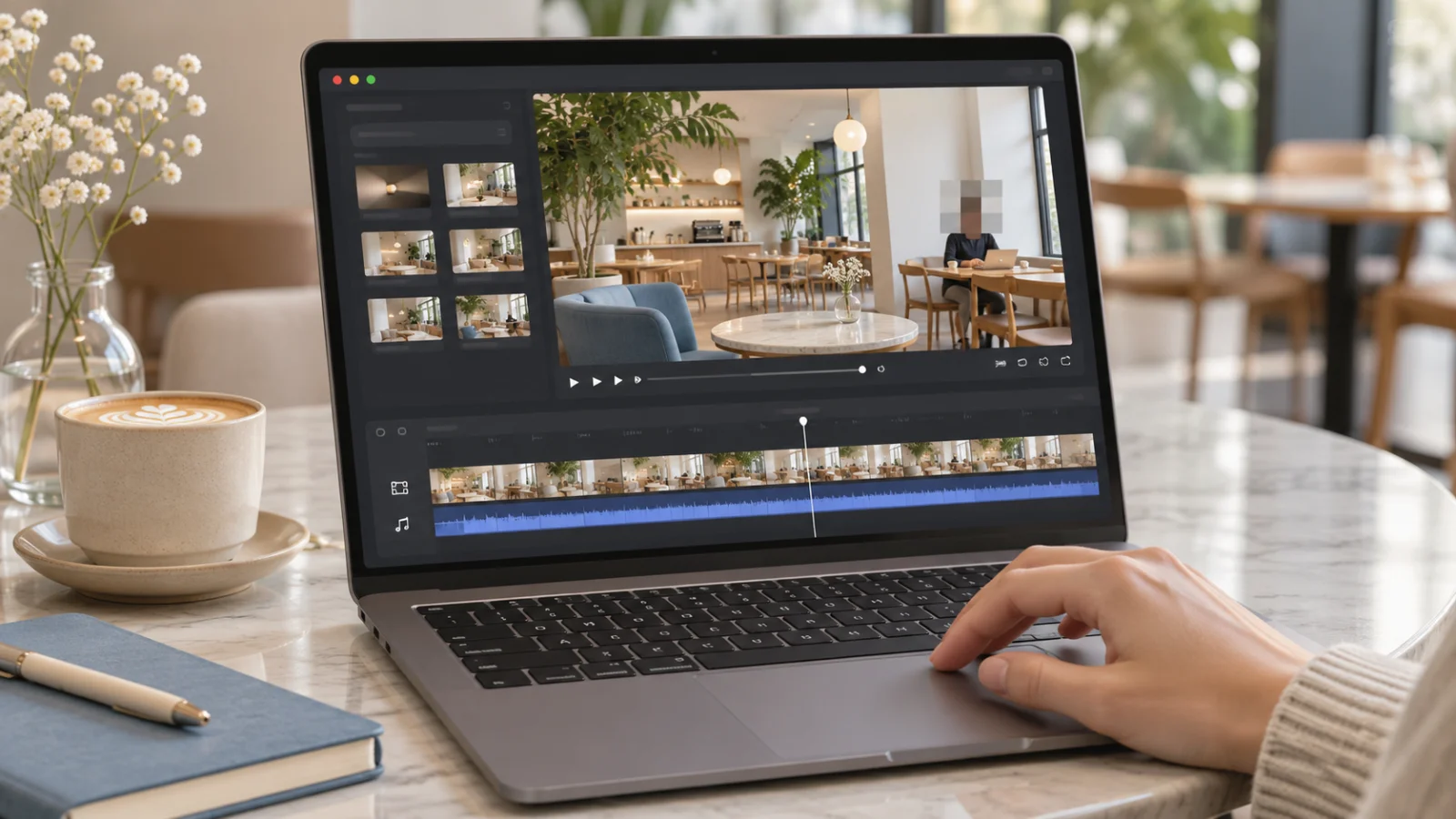
Cover faces with VideoMasker
Covering faces in a video manually, one frame at a time, takes more time than you might expect. VideoMasker uses AI to find faces in a video, follow their movements, and apply masks automatically. Once automatic processing is complete, you can review the results on the timeline and add masks to specific scenes or adjust their position and size yourself.
Because the video is processed in the browser without uploading the file to a server, you can also worry less about the original footage being sent outside your device.
It is difficult to avoid having other people appear in your videos. However, simply checking whether the person can be identified and whether their face is truly necessary before posting can go a long way toward reducing unnecessary exposure. Before you upload your next video, take a moment to recall what we covered today.